

How to submit to Crunchbase
Crunchbase is a database of companies, their funding, founders and investors. Investors, sales teams and journalists use it to research startups. Any registered user can add a company profile for free, putting your company, team and funding rounds in that database.
Checked by the LeadWave team on Nov 20, 2026: we opened Crunchbase's submit page, read its price. How we check · Something changed? Tell us
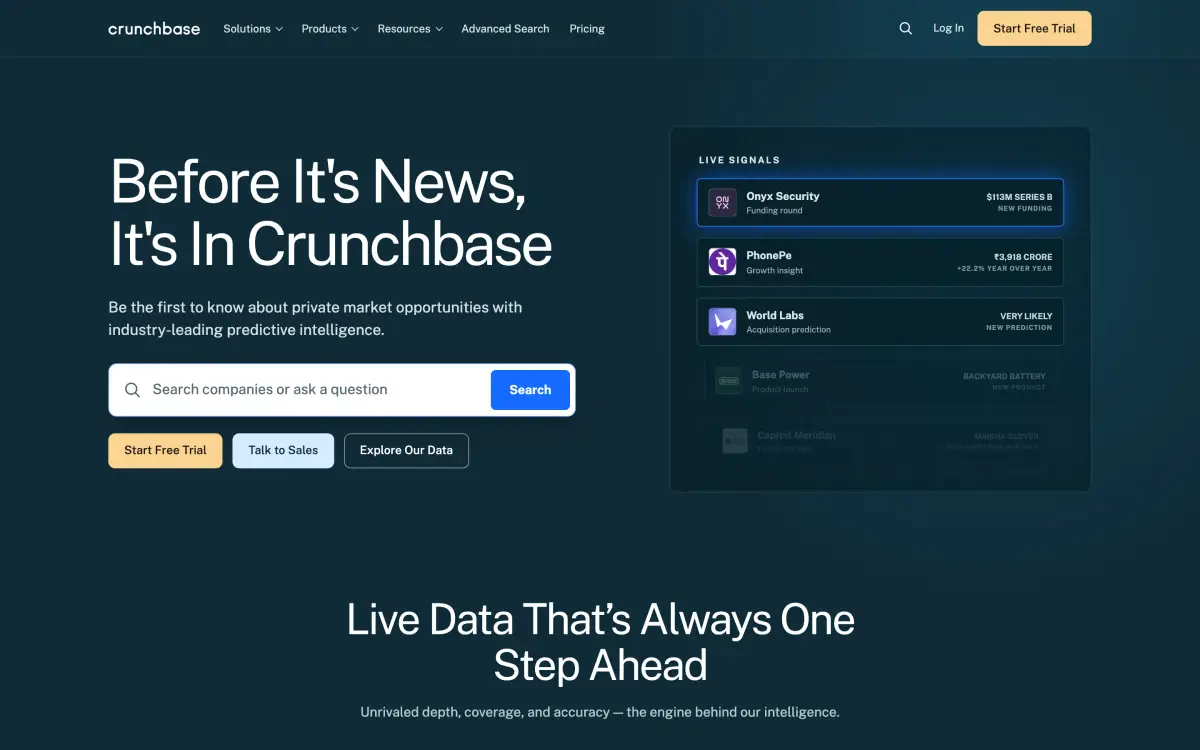
Crunchbase at a glance
- Type
- Startup directory
- Price
- Free
- Popularity
- High
- Authority (our estimate)
- 89 / 100
- Monthly visits (our estimate)
- ≈ 7,600,000
- Account needed
- Yes
- Approval
- instant (live on save; moderation can remove profiles)
Not published or not checked yet: link type, badge or backlink rules, submit page, public contact email.
Of the 273 SaaS directories we track, Crunchbase ranks #45 by authority and #18 by estimated monthly visits.
Needs an account authenticated with Google or LinkedIn. Create via Resources → Create Profile. Moderation removes small local businesses, directories, purely promotional and non-English profiles.
What Crunchbase's form asks for
The fields on its submit page on Nov 20, 2026, in order. Have them ready before you start.
- Choose a use caseOptional
- First NameRequired, up to 255 characters
- Last NameRequired, up to 255 characters
- Company EmailRequired, up to 255 characters
- CompanyRequired, up to 255 characters
How to submit to Crunchbase, step by step
- 1
Register for a free Crunchbase account with email, Google or LinkedIn.
- 2
Connect Google or LinkedIn under Account Settings → Social Authentication. You can't add or edit profiles without it.
- 3
Search Crunchbase to make sure your company doesn't already have a profile.
- 4
Click Resources in the top navigation, then Create Profile, and pick the profile type.
- 5
Add your logo, founded date, website and social links, short and long description, headquarters, 3–5 industries, founders and funding rounds. Click Save All Edits.
- 6
Verify your employment through Manage My Company with your work email, so only verified employees can edit the Overview section.
What Crunchbase asks for
- Crunchbase targets startups (funded or not yet), investors, tech companies and other high-profile companies.
- Moderation removes profiles for local small businesses, web directories and submission sites, purely promotional profiles, URL shorteners, non-English profiles, gambling and crypto scams, among others.
- Verifying as an employee needs a Crunchbase login whose email domain matches your company's.
- Some fields can't be edited, such as CB Rank and Predictions & Insights.
Is Crunchbase worth it?
Add a profile once your company is real and public, ideally before you announce funding, since investors and sales tools pull data from Crunchbase. It's free and goes live when you save, but moderators remove profiles that look like ads or local small businesses. Keep it factual and verify as an employee so others can't change your overview.
Crunchbase alternatives
6 similar startup directories, most popular first, next to Crunchbase. Each name opens its own page.
| Directory | Price | Popularity |
|---|---|---|
| CrunchbaseThis page | Free | High |
 Wellfound | Free + paid | High |
 BetaList | Paid | Medium |
 Alternative.me | Free | Medium |
 F6S | — | Medium |
 Dealroom | — | Medium |
 Startup India | — | Medium |
Authority is our 0–100 estimate from Common Crawl's web graph; it reads like Moz DA or Ahrefs DR.
Crunchbase FAQ
Edits usually show right away after you click Save All Edits. If they don't appear within 24 hours, email support@crunchbase.com with the profile URL.
It probably hit a moderation flag. Crunchbase removes profiles for local small businesses, web directories, purely promotional pages, URL shorteners, non-English profiles and similar. If you think it's a mistake, email support with a link to the old profile.
Log in with your company email, open Manage My Company from the account menu, find your company and confirm through the verification email. Verified employees can then edit the Overview section.
Crunchbase is free. A free registered account can add and edit profiles; paid plans are for data access. Checked on Nov 18, 2026; prices change, so confirm on the submit page.
Yes. Crunchbase's submit form opens after you sign in or create an account (checked Nov 20, 2026).
Instant (live on save; moderation can remove profiles), as of Nov 18, 2026.
Crunchbase is one of the 100,000 most visited websites (Chrome UX Report, Nov 18, 2026), so its popularity here is "high". That's the site as a whole; a single listing gets a small share of it. Our estimate is about 7,600,000 visits a month.
Wellfound (free + paid, high popularity), BetaList (paid, medium popularity), Alternative.me (free, medium popularity) and F6S (not published, medium popularity). This page compares them with Crunchbase on price, link and authority.