“Powered By” Badges: The Viral Loop Inside Your Free Plan (14 Examples)
Put a small, clickable “Powered by” badge on everything free users publish, so every form, booking page, site or email advertises you.
Impact
High
Effort
Low
Time to results
Weeks
Budget
None needed
Team
Product, Engineering
Tools for this growth idea
FigmaDesign a badge that's small, clear and clickable
Google AnalyticsRead the UTM-tagged badge traffic and its landing page
AmplitudeTrack the loop: badge click → signup → their own published output
StripeCharge for removing the badge
How the powered-by loop works
Every time a user publishes something made with your product, other people see it. A badge on that output turns each viewer into a potential user:
A user creates something: a form, a booking page, a website, an email.
They send it to their own audience: customers, prospects, subscribers.
Viewers use it, see the badge, and some click.
A few of them sign up, create their own, and the loop starts again.
The viewer isn't seeing an ad. They are using a working example of your product, made by someone they already trust, at the exact moment they see what it does. That is why this loop can be so cheap.
The original is Hotmail. Investor Tim Draper pushed the founders to add a line to the bottom of every email; they agreed, minus his proposed “P.S. I love you” opening, and growth took off within hours. Every email sent was an invitation to get a free account. Within 18 months Hotmail had some 12 million users.
The strength of the loop is roughly viewers per user × click rate × sign-up rate. Most of the leverage is in the first number, which is why the products that win with badges are the ones whose output gets seen by a lot of people: emails, forms, booking pages and public websites.
Badge vs. branding removal: the pricing lever
Almost every company with a badge lets customers pay to remove it. That turns one feature into two jobs: free users spread the product, and brand-conscious users upgrade.
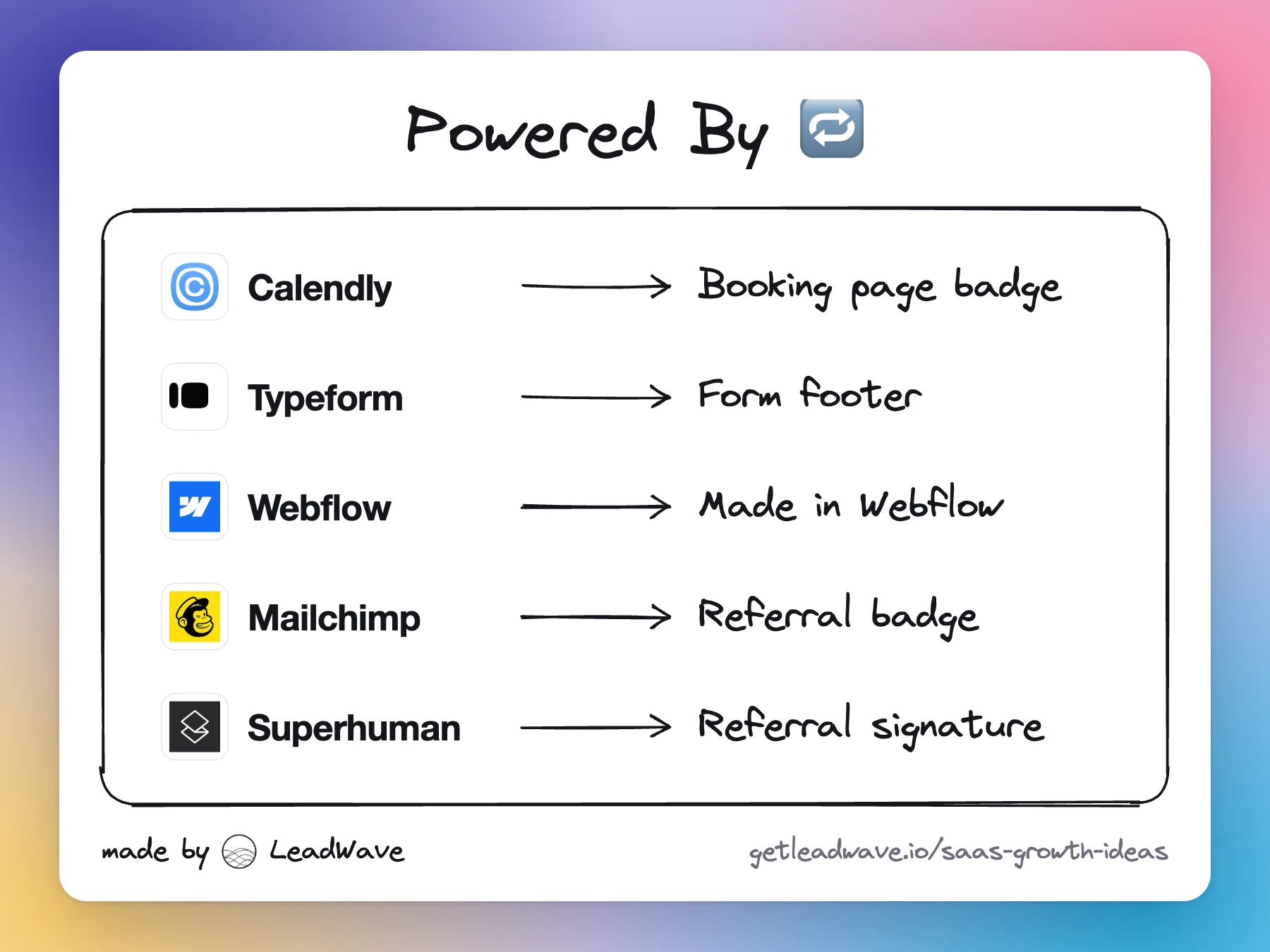
Calendly lists “Remove Calendly branding” as a paid personalization on its pricing page.
Typeform removes the Typeform footer from forms on its Plus plan.
Webflow removes the “Made in Webflow” badge from the bottom-right corner of published sites on paid site plans.
Tally puts branding removal in Pro ($24 a month); Softr in Pro ($99 a month).
Lovable made hiding the “Edit with Lovable” badge on published sites a paid feature, and the badge now comes back on the next publish if a workspace downgrades.
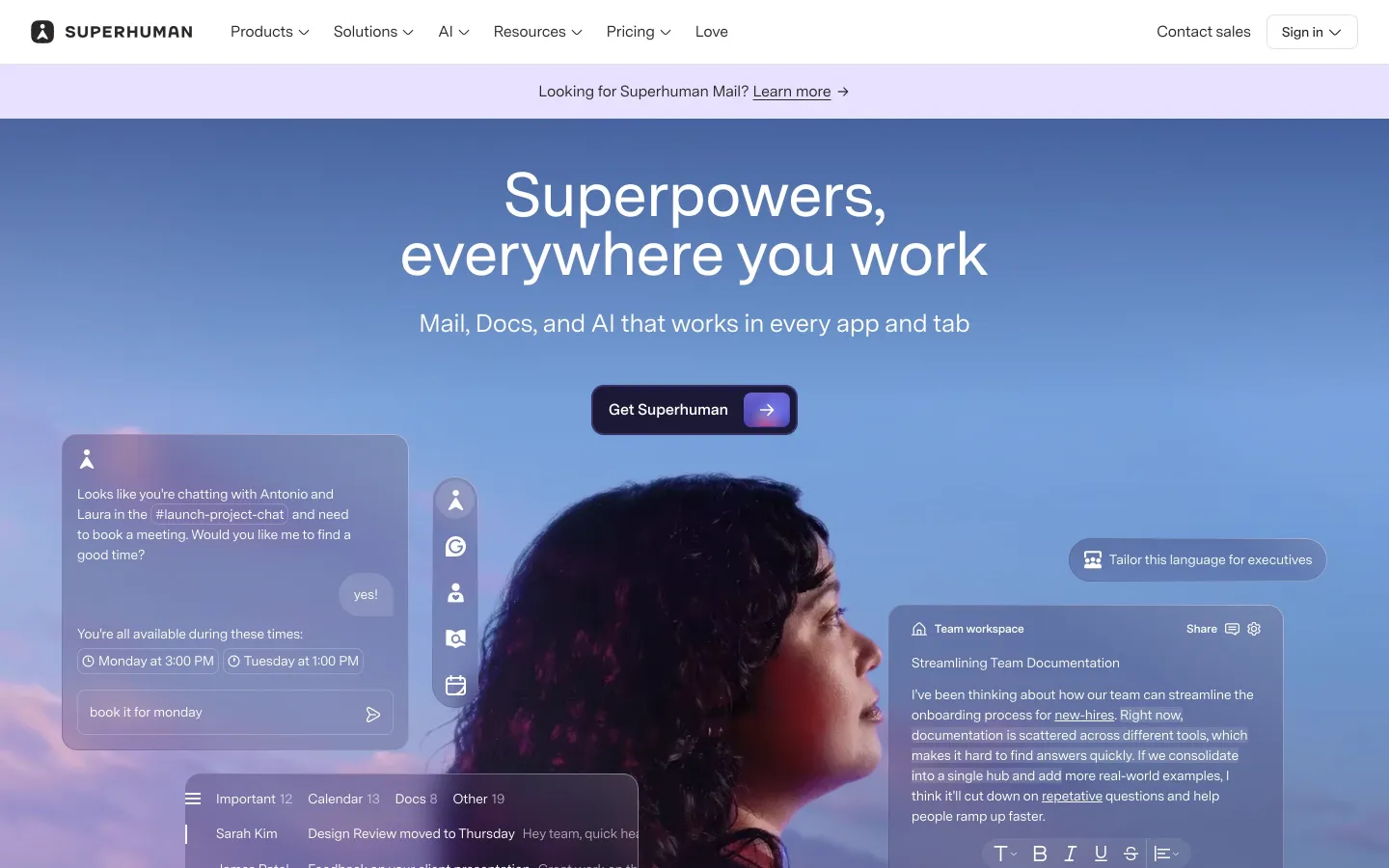
There is a smarter version: make the user want to keep the badge. Mailchimp requires a referral badge on free accounts' emails, and paid users can keep it to earn referral credits. Elena Verna pointed out that Superhuman turned its “powered by” footer into a referral link, so the user benefits when someone signs up through it. A badge that only helps you gets removed; a badge that pays the user stays.
Powered-by badge examples
HotmailFree-email footer link
Every Hotmail email ended with a line inviting the recipient to get a free account. Investor Steve Jurvetson said Hotmail reached some 12 million users within 18 months.
Growth advisor and writer on product-led growth and growth loops
Writes about growth loops; her post on Superhuman's referral footer is the smarter version of this tactic.
Frequently asked questions
A small label or logo on something a user made with your product, such as a form, booking page, website or email, that links back to your site. Every person who sees the user's output also sees your product.
Yes, usually on a paid plan. Removal is one of the most common reasons to upgrade, and most companies (Calendly, Typeform, Webflow, Tally) do it this way. Rewarding users for keeping the badge, as Mailchimp and Superhuman do with referral credits, is even better.
Calendly lists removing its branding as a feature of its paid plans. Check its pricing page for the plan that currently includes it.
A growth loop where using the product exposes it to new people, some of whom become users and expose it to more people. A powered-by badge is one of the simplest viral loops to build.
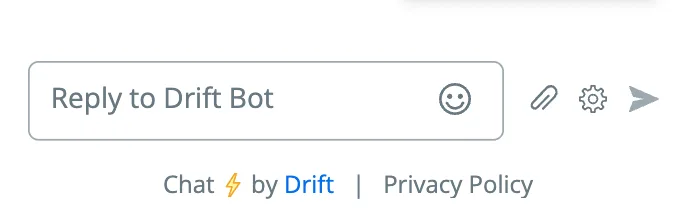
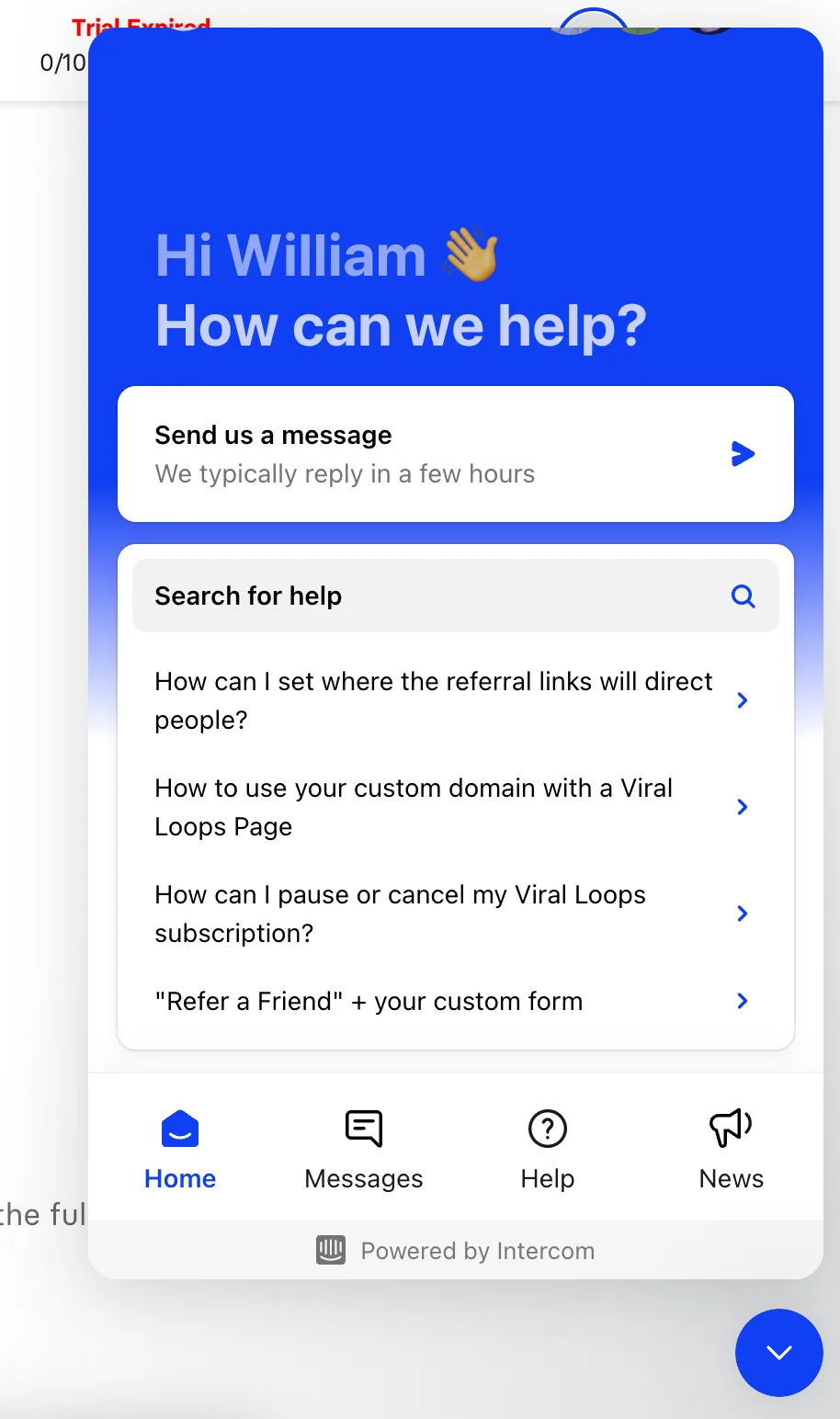
Yes, when the output is seen by people outside the customer's company. Booking pages, forms, chat widgets and emails all reach other businesses, which is why Calendly, Chili Piper, Typeform, HubSpot and Intercom have used them.
Build a small free tool that does one job your buyers already search for. It ranks, earns links, collects leads and shows off the paid product in seconds.