Template Library as a SaaS Growth Tactic: 13 Examples
Publish ready-made examples of your product doing real jobs. Each template ranks for a search, skips the blank page for new users and can be shared.
Impact
High
Effort
Medium
Time to results
Months
Budget
None needed
Team
Marketing, Engineering
Tools for this growth idea
WebflowOne CMS collection becomes a page per template
FigmaDesign the templates and the previews that sell the click
CanvaMake preview images fast, or publish templates there too
ClaudeDraft the description and how-to for each template
Why templates grow SaaS products
A template is a finished example of your product doing a real job: a sprint board, a sales proposal, a content calendar, a commission plan. That one asset works in three loops at once.
Search. People search for the job plus 'template' all day: 'marketing plan template', 'proposal template', 'okr template'. Each template on its own page can rank for its own search, so a library is a set of landing pages your competitors would have to write one by one.
Activation. A blank canvas is where flexible tools lose new users. A template shows what good looks like and gets someone to a working result in minutes.
Sharing. A template is made to be copied. Every copy carries the product to a new person, and the best libraries let users publish their own.
The scale can be large. Notion's template gallery lists 23,176 creators and 277 consultants, with single categories holding thousands of templates (Personal Productivity alone shows 26,082). Miro offers 7,000+ templates, ClickUp 1,000+, and PandaDoc calls its library 1,000+ free business templates.
It works best where the product is a flexible canvas. If your product does one fixed thing, a template library is weaker, and free tools usually fit better.
Three kinds of template libraries
1. In-product templates. Built by the company, opened inside the product: ClickUp, Asana, Trello, Airtable, Miro, Zapier. Each template page explains the use case and has one button that drops it into a new account. This is the cleanest path from search to activated user.
2. Document templates. The template is the document itself: a proposal, an email, a contract, a comp plan. PandaDoc, Proposify, Reply.io (cold email templates) and Guru (200+ templates for remote teams) are this kind. They catch huge search demand, but the visitor can copy the text and leave. The best ones make the product the easiest place to use it: send the proposal from PandaDoc, run the email sequence in Reply.
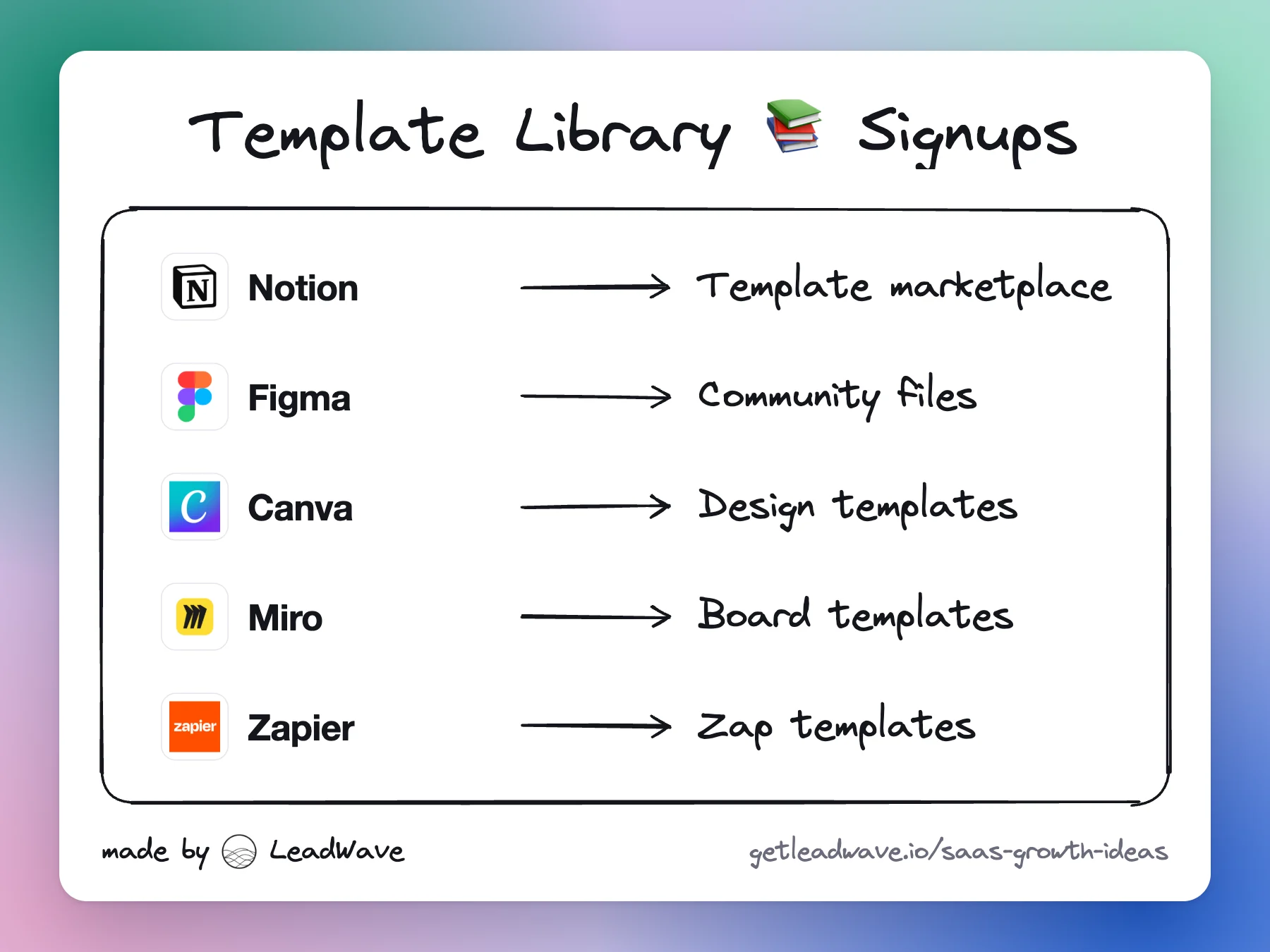
3. Community marketplaces. Users build and publish templates, sometimes for money: Notion, Figma Community, Framer Marketplace, Canva, Webflow. The company gets thousands of creators doing its marketing. Framer pays them directly: creators keep 100% of paid template sales and earn a commission when someone upgrades to a paid plan through their template remix link. Notion charges sellers 8% plus 40 cents per sale.
Most big libraries move from 1 to 3 over time: start with templates you build, then open the library to users once there are enough of them to keep quality up.
What the best libraries do differently
One URL per template, titled with the search. 'Sprint planning template', not 'Template #42'. Add a short guide on the job under the template, so the page answers the search even before someone clicks.
One button into the product. 'Use template', 'Duplicate', 'Remix'. Ask for signup at that click, not before the preview.
A real preview. Show the template filled in with realistic data. People pick templates by looking at them.
Categories by role and use case. Marketing, HR, engineering, sales; then jobs inside each. Category pages rank for broad searches ('marketing templates') and link down to specific ones.
Templates in onboarding. Ask the new user what they're here to do and start them from the matching template. The library and the onboarding should be the same set.
AI is changing the format. Retool's PostgreSQL admin panel is now a prompt template: instead of cloning a fixed app, you press 'Generate this app in Retool' and the AI builds it. The search page stays the same, but the template becomes a starting prompt.
Where template libraries fail
Thin pages. Hundreds of near-identical templates with one line of copy get crawled and ignored. Fewer, better pages beat a big, empty library.
No quality control on user templates. Open marketplaces fill up with unfinished work. Miro's library shows community templates with 0 likes and 0 uses next to its best ones. Rank by real usage and curate the top of each category.
Downloads that skip the product. A PDF or Word template earns traffic and no users. If the template doesn't need your product, add a reason to use it there (send, sign, track, automate).
Stale content. Templates and guides dated to a past year signal neglect. Update the best performers every year.
Rebrands and acquisitions break URLs. From our own 2023 list: Coda's gallery is now under Superhuman Docs, Hugo's meeting templates moved to meetingnotes.com, Fellow's moved to fellow.ai, and Almanac's library page now redirects to a generic homepage. Every move without clean redirects throws away years of rankings.
A gallery and paid marketplace with 23,176 creators and 277 consultants listed. Creators sell templates directly, and Notion takes 8% plus 40 cents per sale, so a creator economy markets Notion for it.
Website templates from creators, free or paid. Creators keep 100% of paid template sales and earn a referral commission when someone upgrades to a paid Framer plan through their template remix link.
Templates for nearly every design job (social posts, presentations, resumes, logos), each on its own page. Each one opens in the editor, so the search visitor is using the product right away.
Ready-made bases for specific jobs, like project management for marketing agencies, each with a page that explains who it's for and opens as a working base.
Pre-built workflows that connect two apps, across the 9,000+ apps Zapier supports. Every app pair is a search ('connect X to Y') and a one-click start.
Pages like 'PostgreSQL Admin Panel' now generate the app with AI ('Generate this app in Retool') instead of cloning a fixed one. It shows where templates are heading.
A library it calls 1,000+ free business templates: proposals, contracts, quotes. The template is free; sending, tracking and e-signing it is the product.
A library of sales email templates titled 'Steal From This Free Email Templates Library (We Don't Mind)'. Each template is one step from a sequence in Reply.
Comp plan templates by role and plan type (for example, an account executive on a single rate), a programmatic set aimed at sales leaders who design comp plans.
A gallery of docs, templates and Packs, such as quarterly planning with OKRs and launch briefs. Coda is now Superhuman Docs, and the gallery URL still works.
From LeadWave’s own collection, saved as we found them since 2022. Some of these pages have changed since.
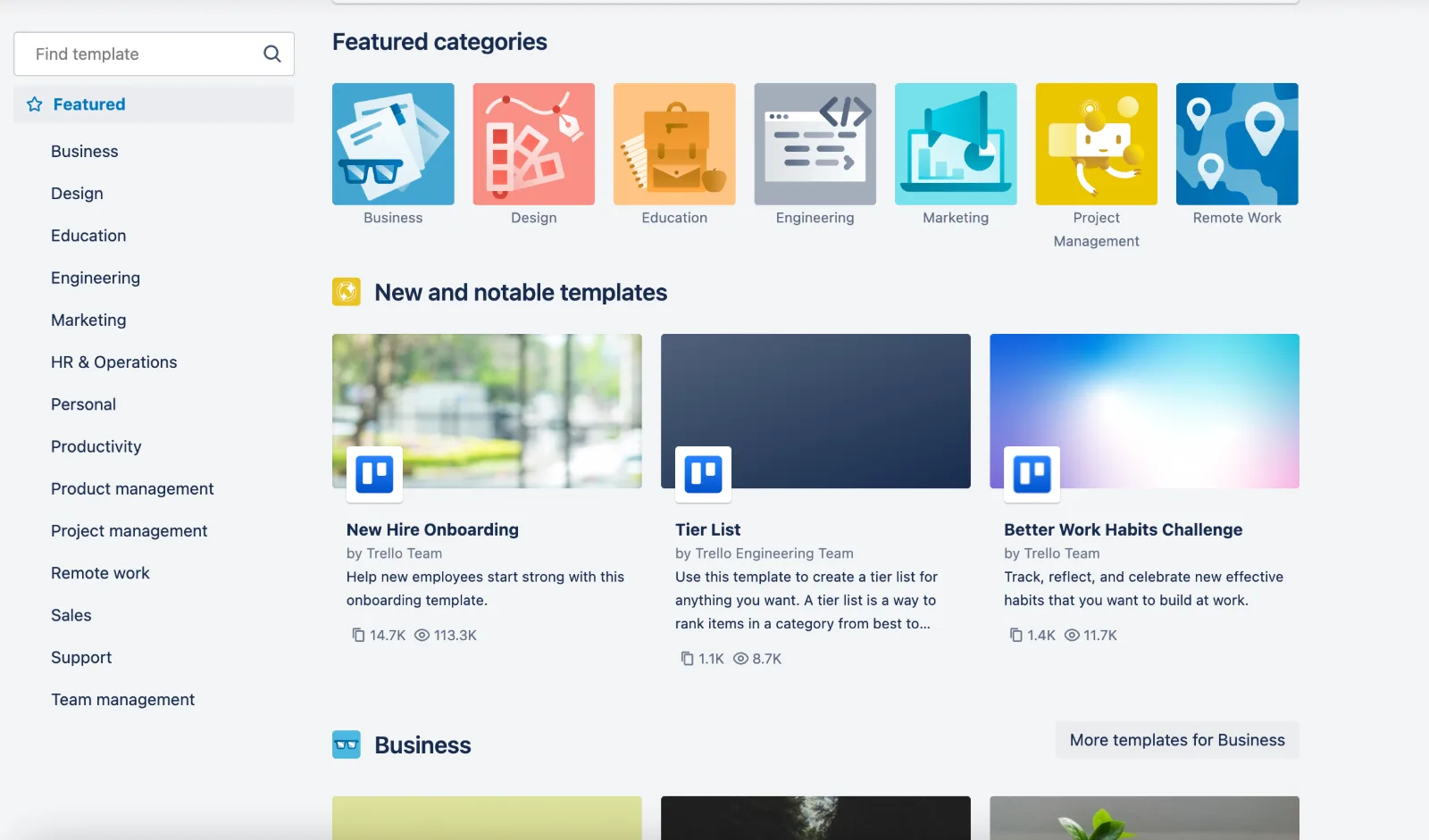
Trello's template gallery: categories, featured templates, and community templates with view and copy counts
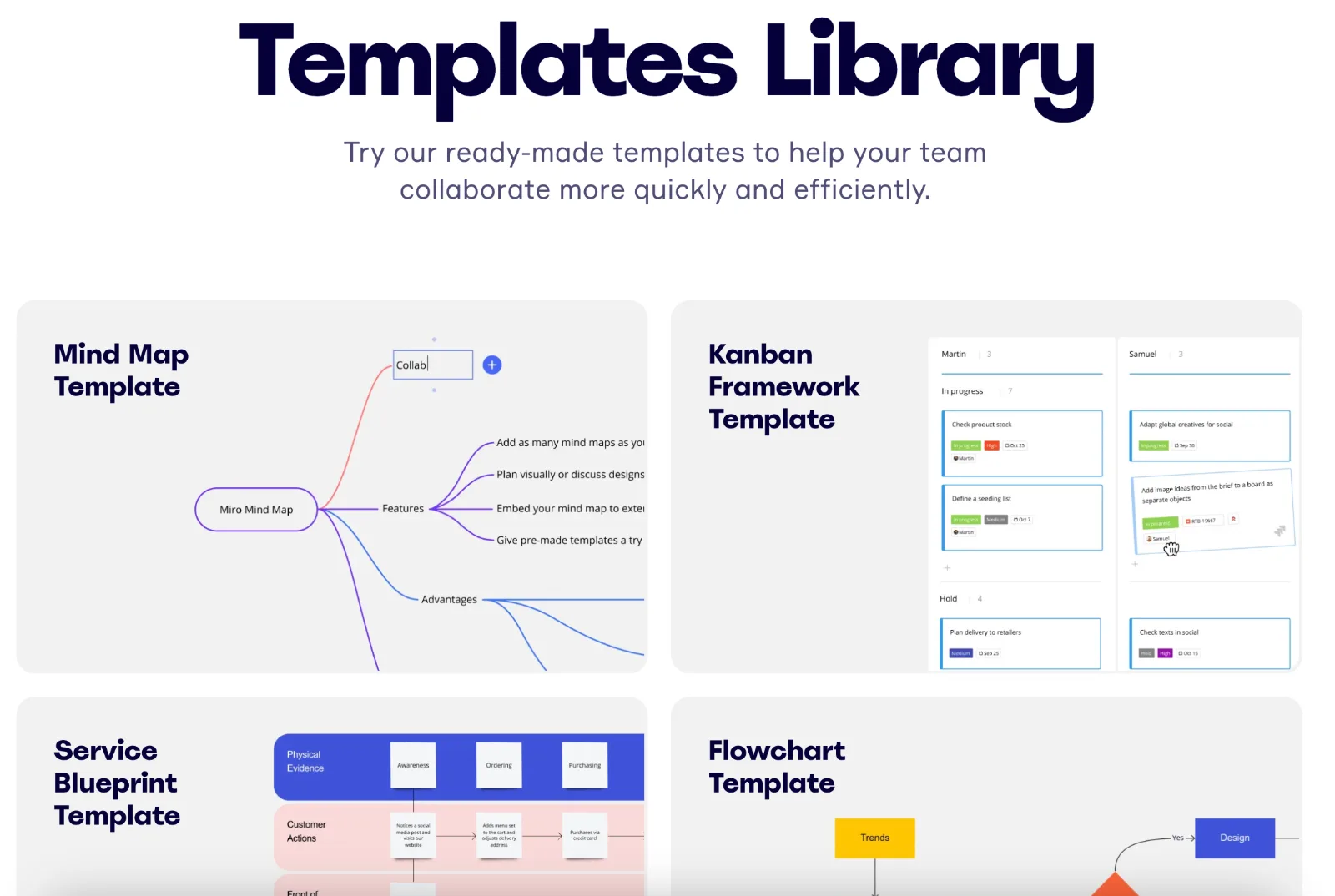
A templates library where each template has its own page: mind map, kanban, service blueprint, flowchart
How to run it: the playbook
List the jobs your users do in the product.Pull the most common use cases from onboarding answers, support tickets and your best customers' workspaces.
Match each job to a template search.Check autocomplete and a keyword tool for '{job} template', '{job} example' and '{role} templates'. Start with the 20 to 30 jobs with clear demand and a good fit.
Build the first templates in house.Make them good: realistic data, clear structure, short instructions inside the template. These set the quality bar for everything after.
Give each template a page.One URL per template with the search in the title, a preview, a short guide to the job and one 'Use template' button. Group them into role and use-case category pages.
Wire templates into onboarding.Ask new users what they want to do and start them from the matching template. Track activation for template starts against blank starts.
Open the library to users.Once you have a base, let users publish templates with their name on them. Rank by real usage, curate the top of each category, and consider revenue share or referral payouts to keep good creators.
Review the library every quarter.Refresh the top templates, prune pages that get no traffic or use, and fix redirects after any rename.
What to measure
Organic sessions and rankings for template searches, by template and by category.
Template page to 'Use template' click rate, and click to signup rate.
Activation rate of users who start from a template against those who start blank.
Share of new signups whose first action is a template.
For marketplaces: number of active creators, templates published per month, and revenue or referrals per creator.
Copies or remixes per template, the best signal of which ones to promote.
Pitfalls
Publishing hundreds of thin, near-duplicate template pages.
Requiring signup before the preview.
Templates that don't need the product, so visitors copy them and leave.
No curation of user-made templates.
Letting templates go stale, with old dates and old screenshots.
Moving or renaming the library without redirects.
Frequently asked questions
Yes. People search for '{job} template' at high volume, and each template on its own page can rank for its own search. Category pages rank for broader searches like 'marketing templates'.
Once you have a solid base of your own templates, yes. User templates scale the library far beyond what one team can build, but they need curation, ranking by real usage and a reason for good creators to stay, like revenue share or referral payouts.
It varies. Notion lets approved creators sell templates and takes 8% plus 40 cents per sale. Framer lets creators keep 100% of paid template sales and pays a commission when someone upgrades through their template remix link.
A title that matches the search, a real preview, a short guide to the job, and one clear button that opens the template in the product.
One template plus a dataset makes thousands of pages, each answering one search. It works when each page has data nobody else has, and fails when it doesn't.
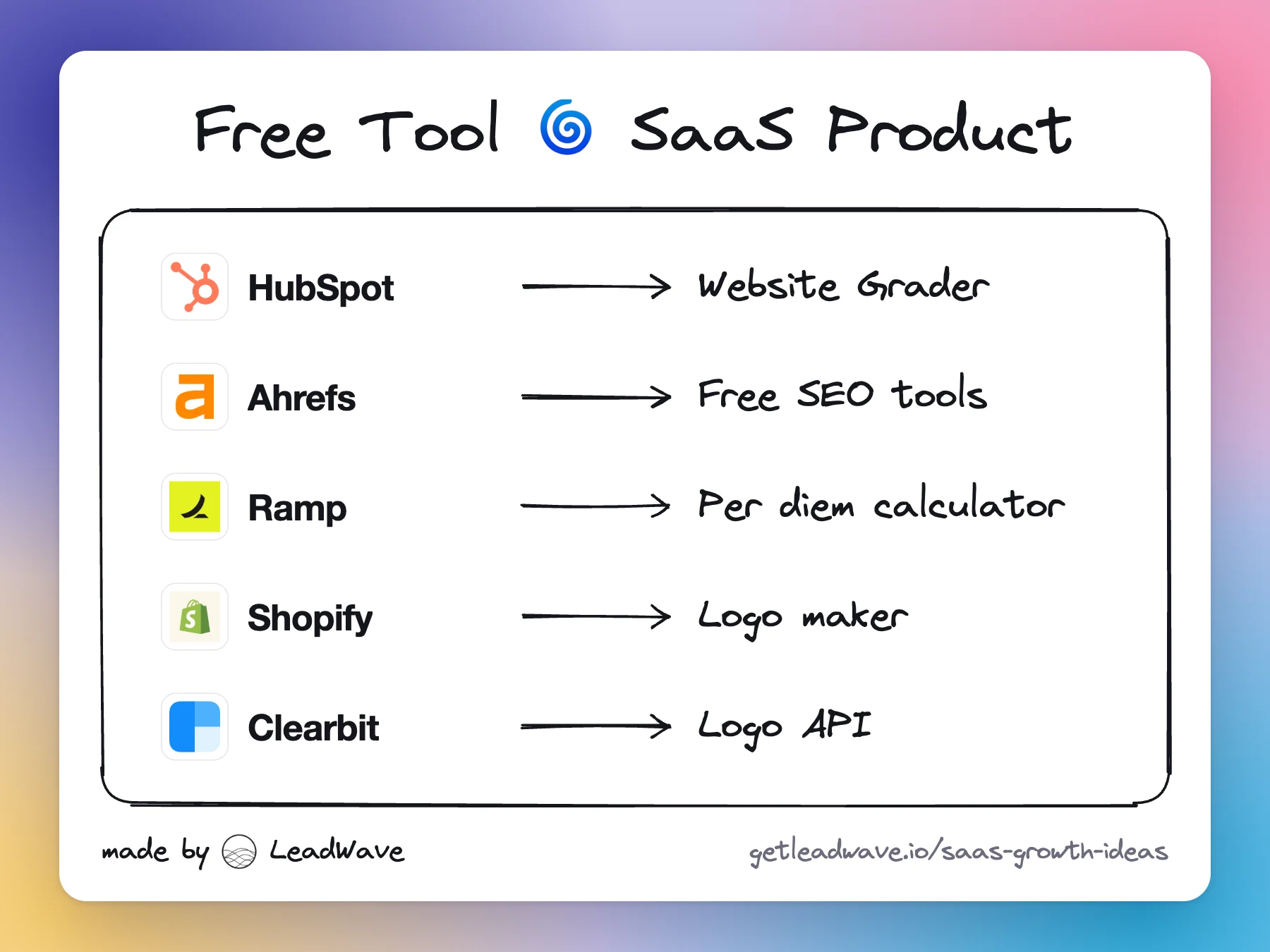
Build a small free tool that does one job your buyers already search for. It ranks, earns links, collects leads and shows off the paid product in seconds.