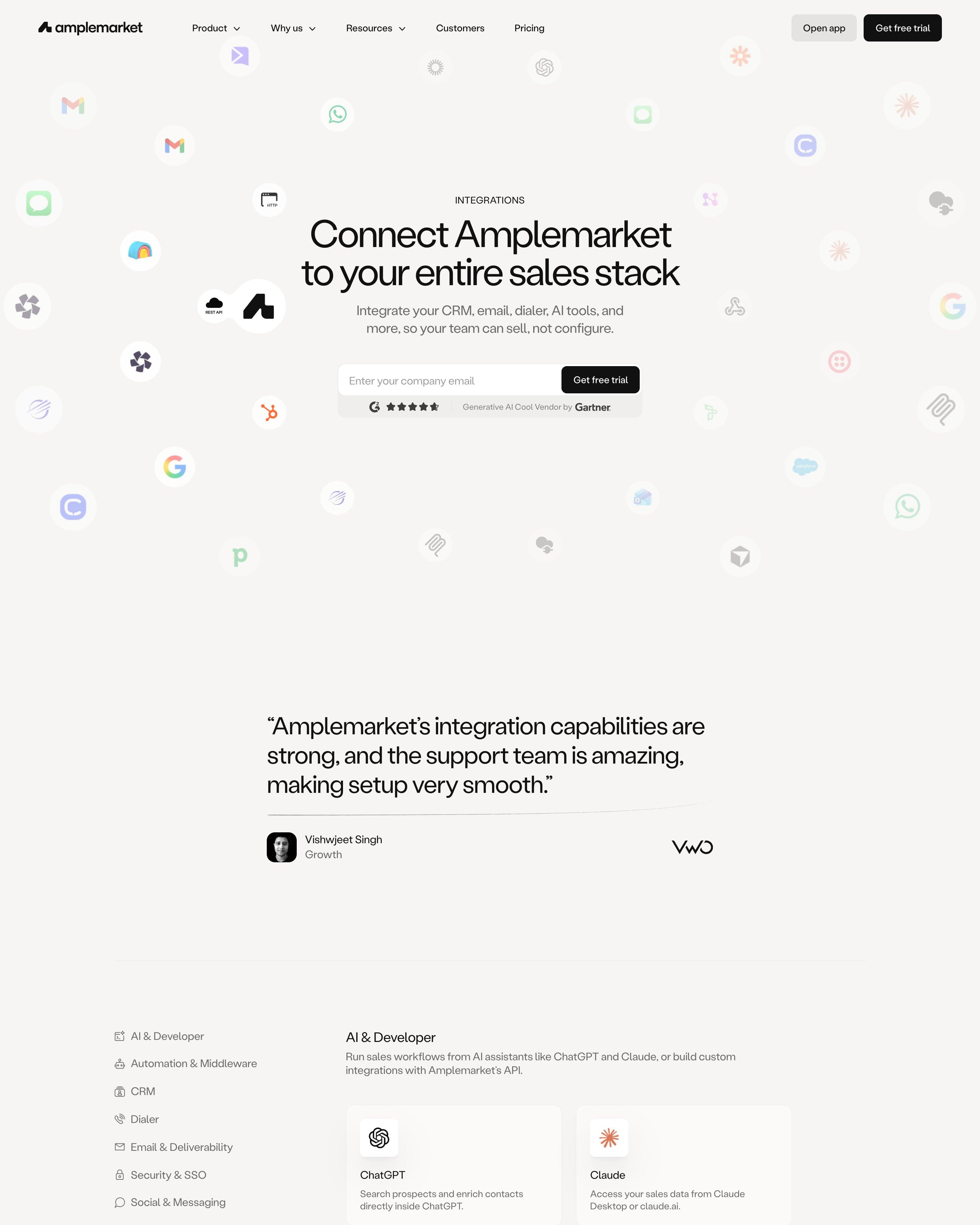
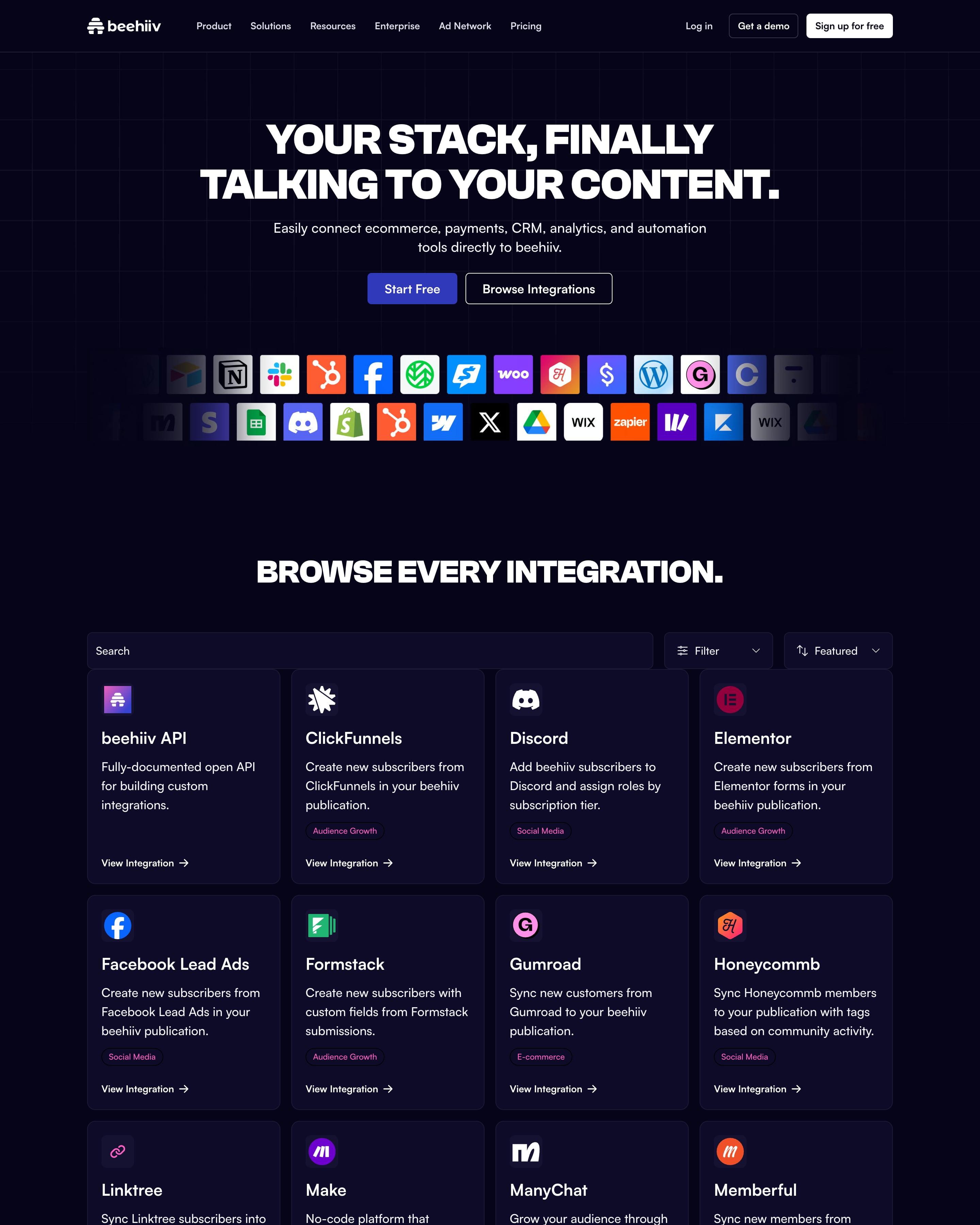
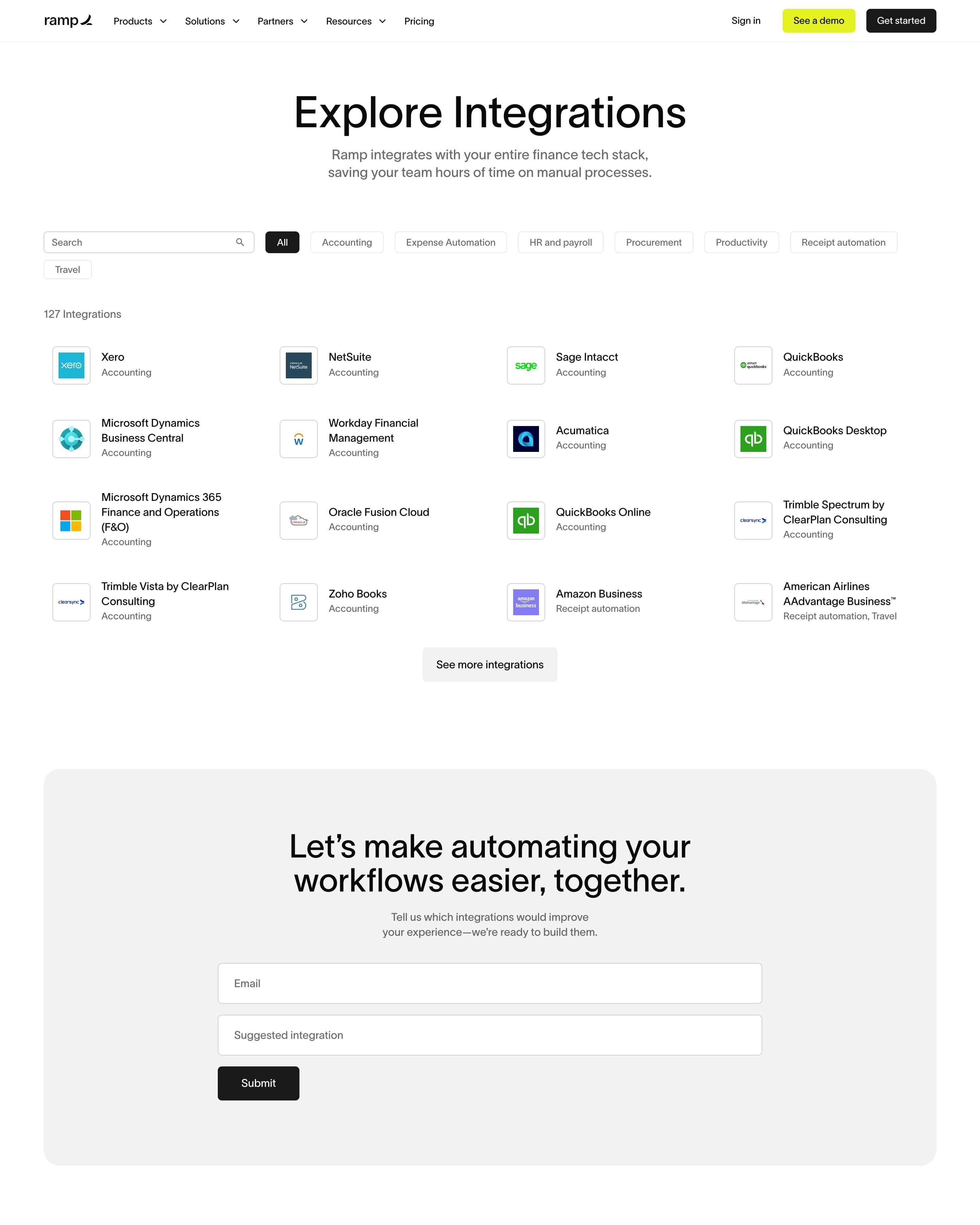
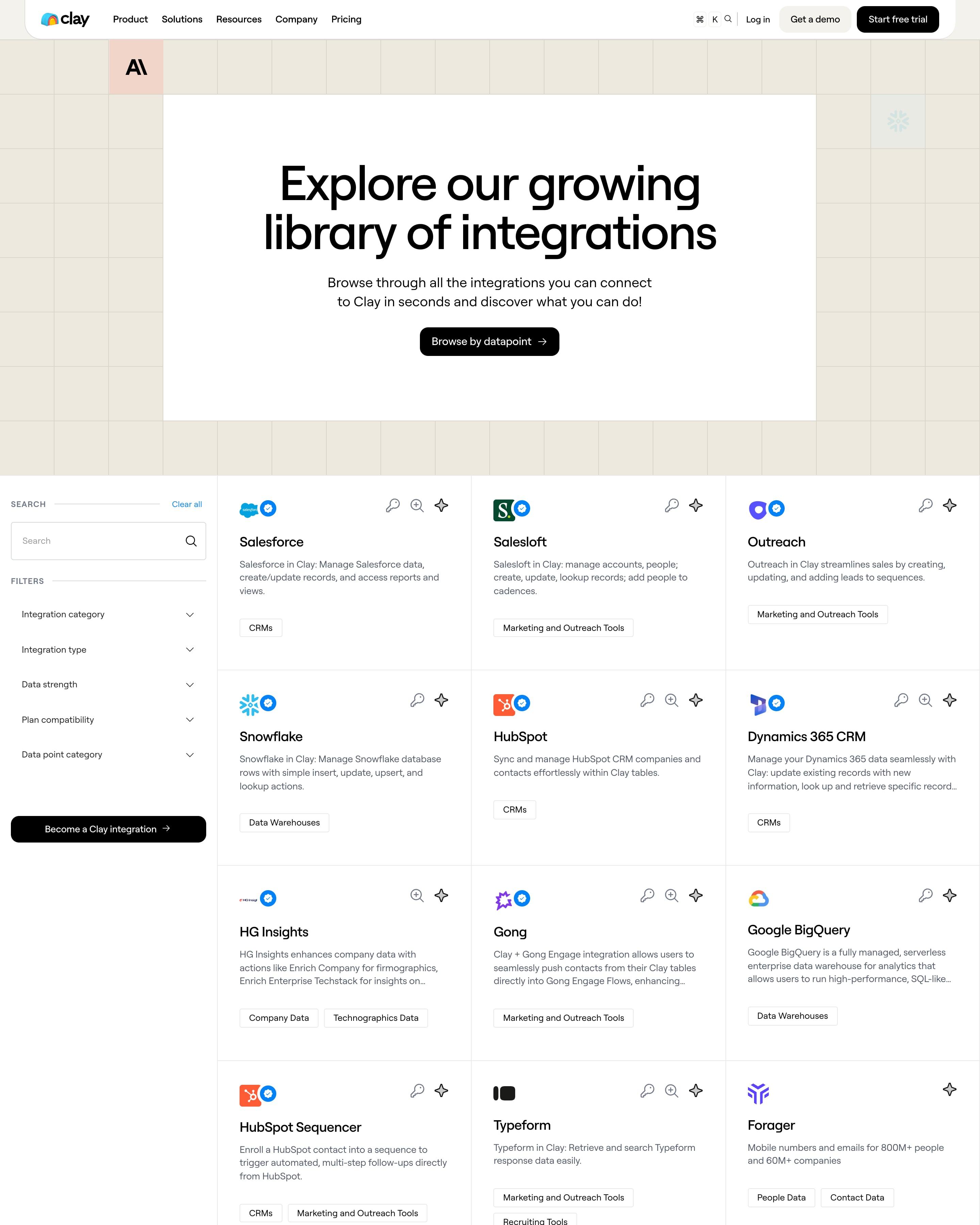
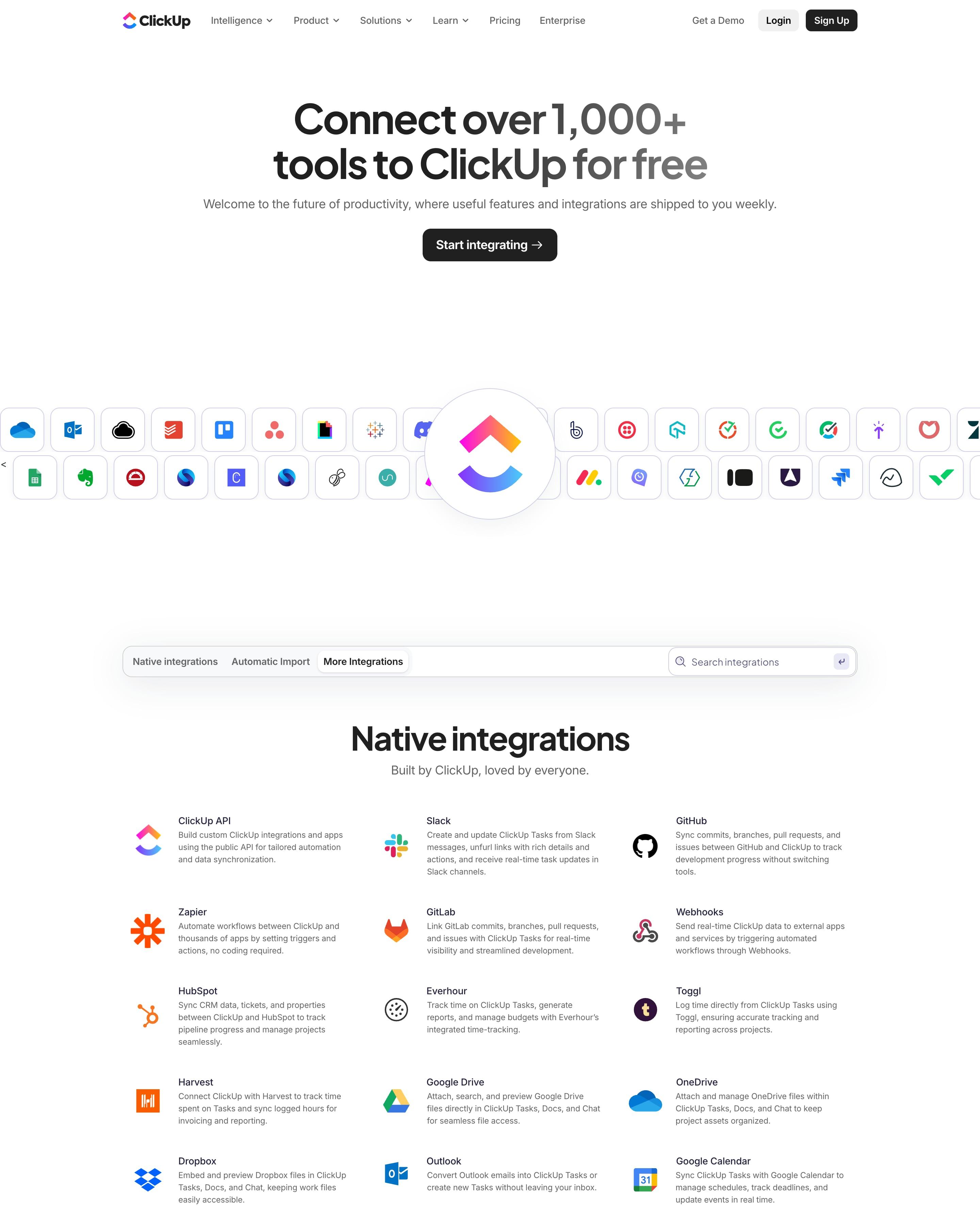
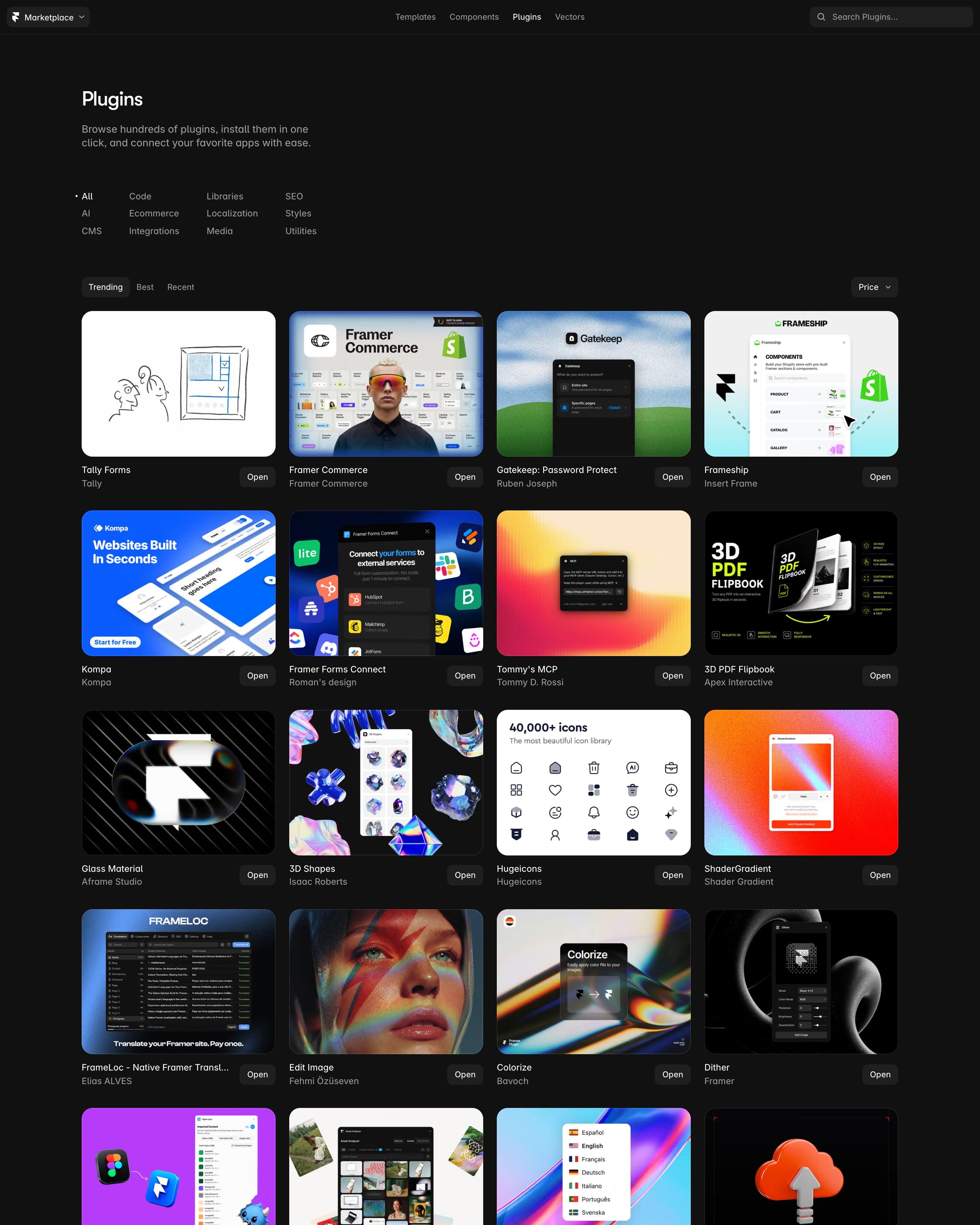
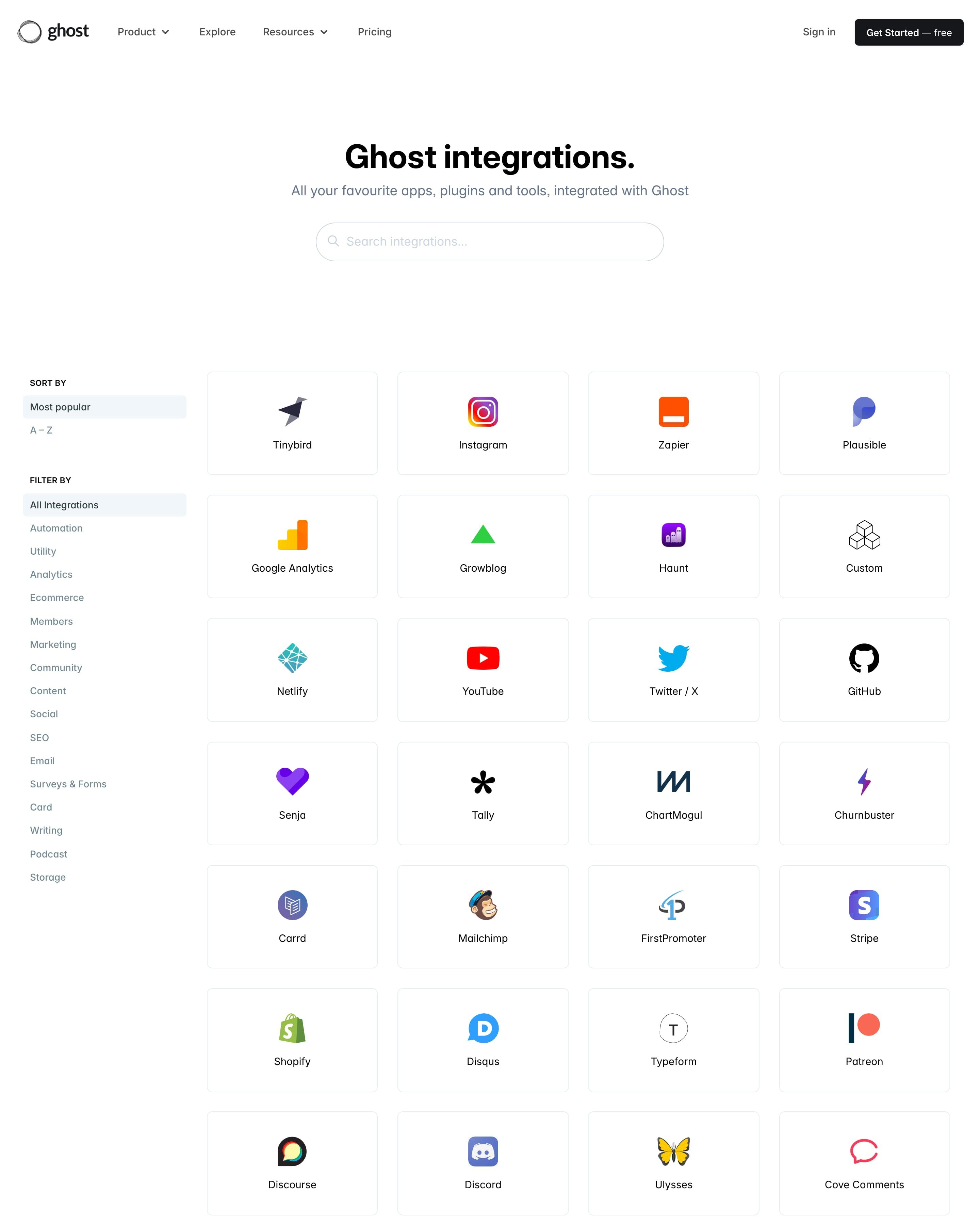
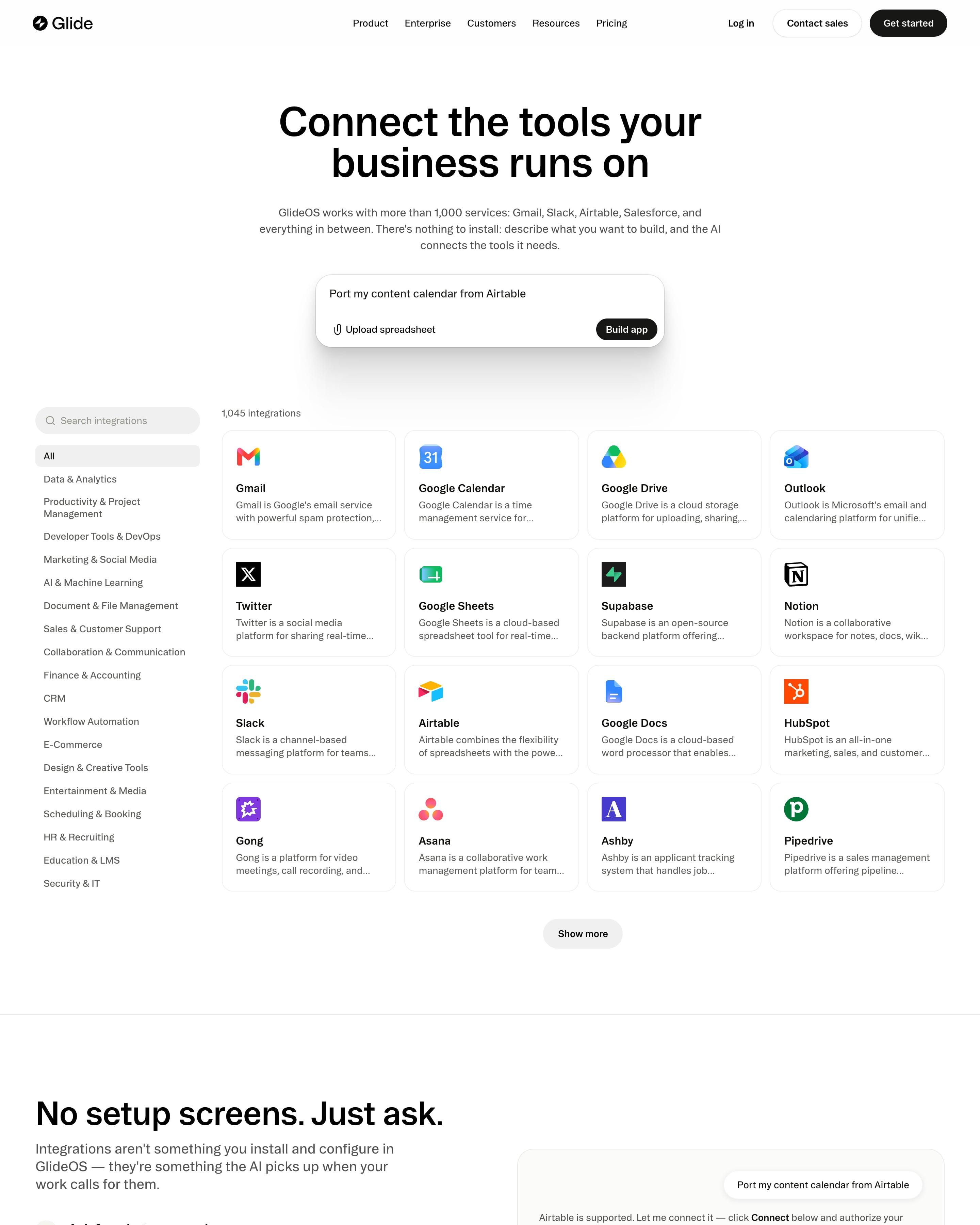
Integrations page
Exa integrations page
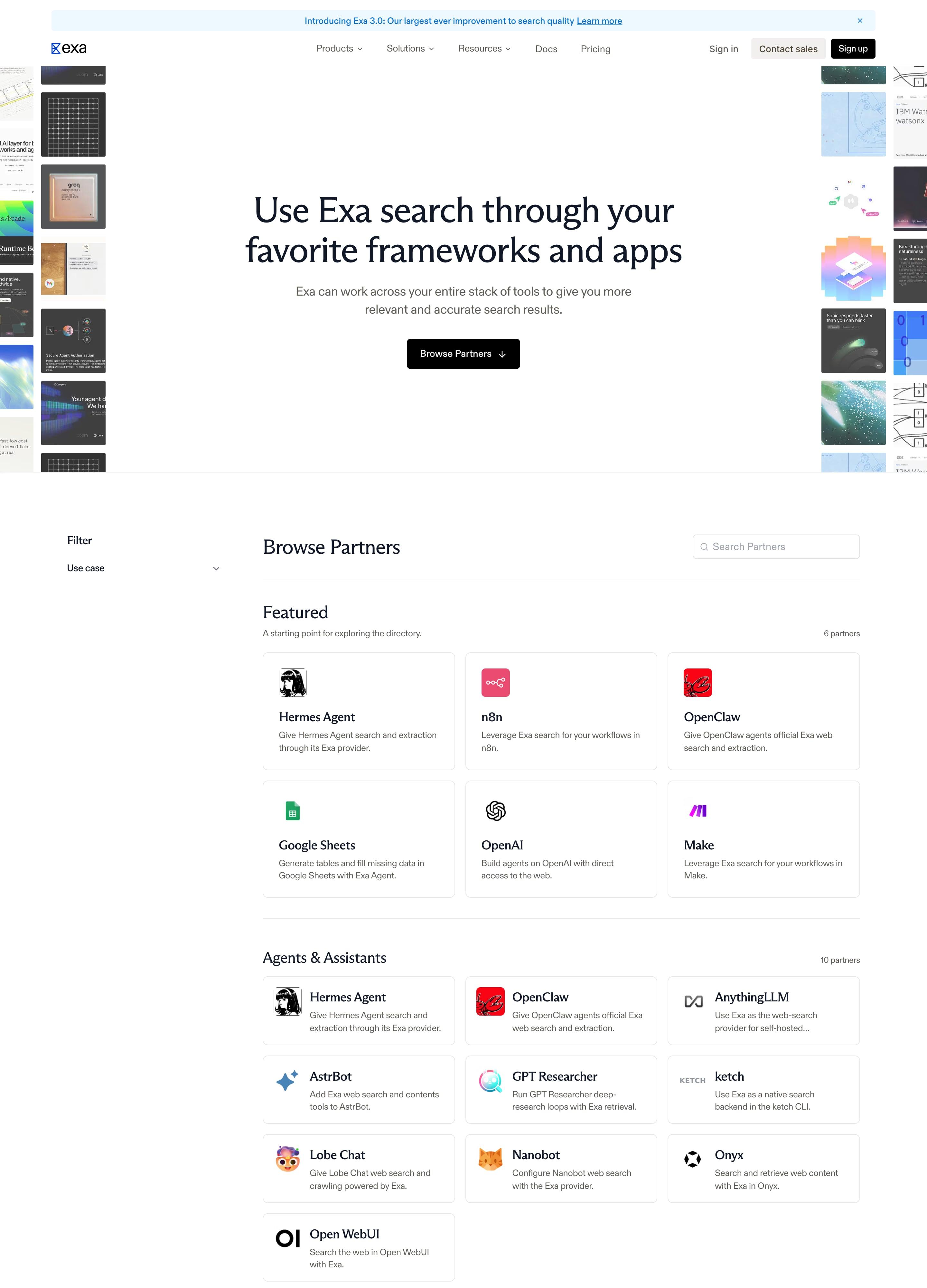
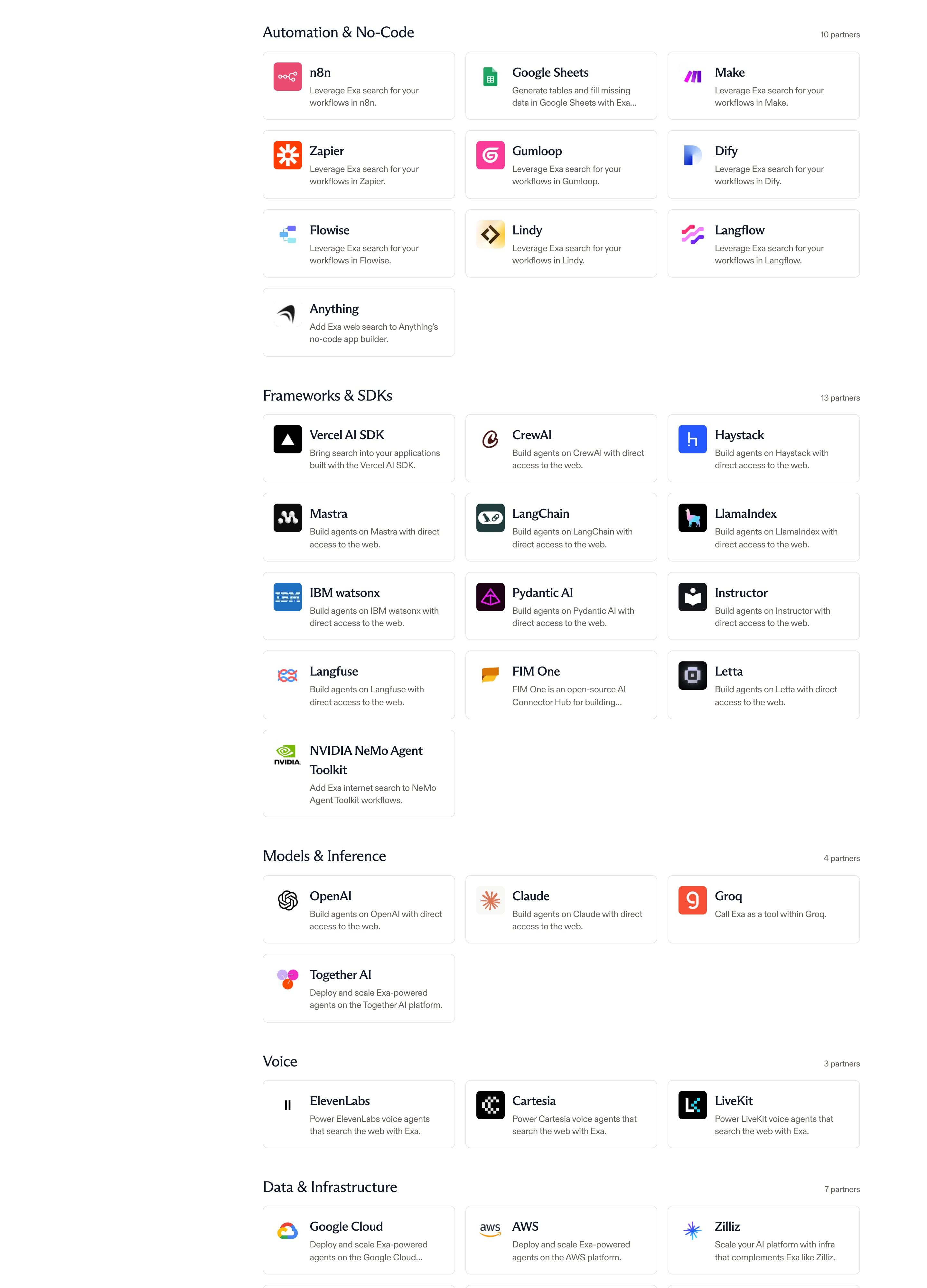
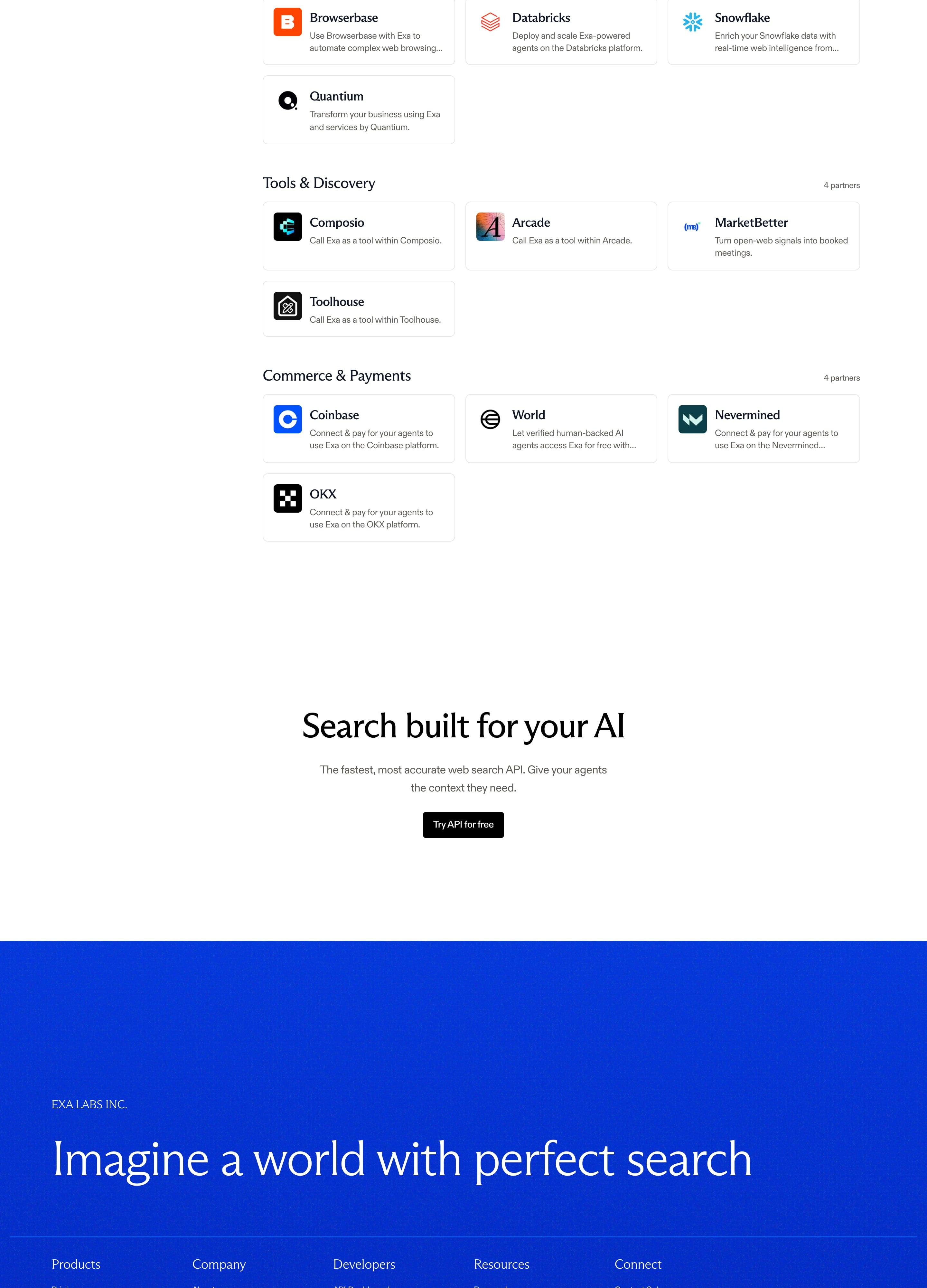
"Use Exa search through your favorite frameworks and apps" sits between two columns of partner screenshot tiles cropped at the page edges. Below, a left filter rail and a "Become a Partner" box sit next to a searchable directory of logo cards grouped into Featured, Agents & Assistants, Automation & No-Code, Voice, Commerce & Payments and more, each heading showing its partner count.