

How the embed loop works
When a user can put what they made in your product onto their own page, every page becomes a small storefront for you:
- A user makes something: a video, a board, a chart, a form, a deck.
- They embed it in their blog, help center, Notion doc or company wiki.
- Their readers use the real thing: they play, scroll, vote, fill in, zoom.
- The embed carries your name and a link back, and some readers come to make their own.
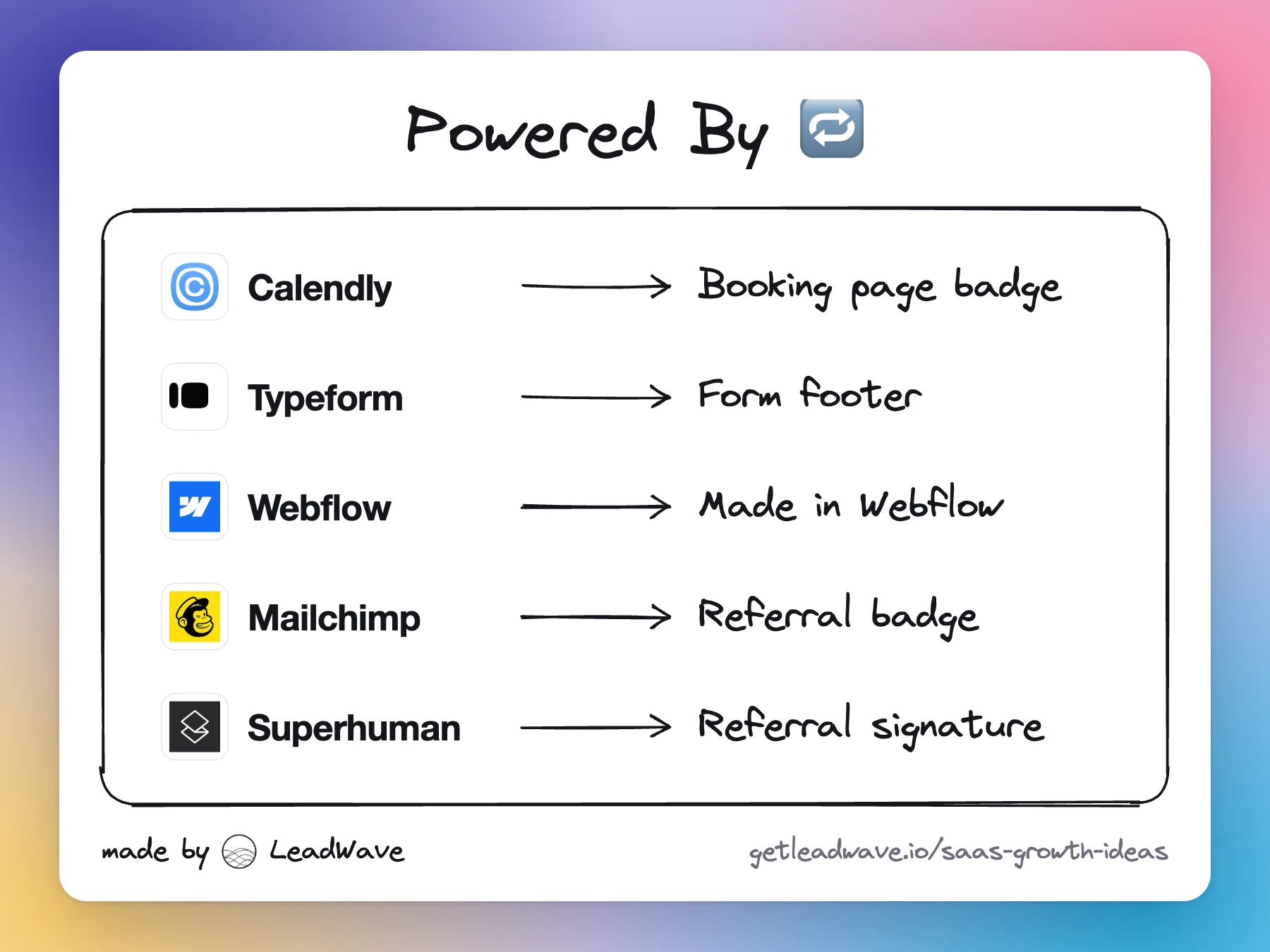
This is different from a powered-by badge on its own. The embed is the product, working, inside the viewer's normal reading. Even viewers who never click learn your name and what your product makes.
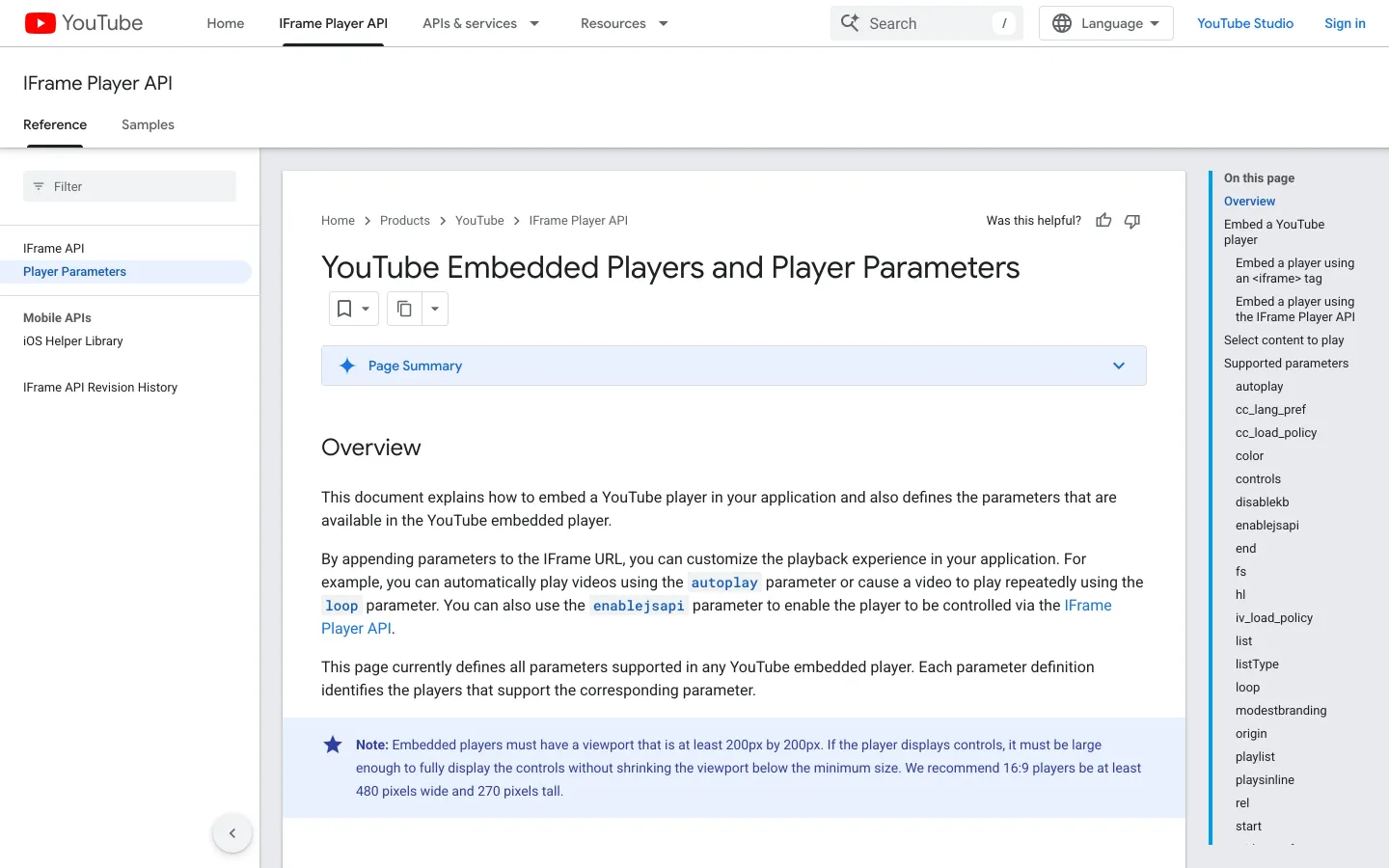
YouTube is the proof. Co-founder Steve Chen said on Sequoia's Crucible Moments that direct embedding “was something that we had built in from day one”: you could embed a video on any platform that took HTML, and on MySpace you would find a friend showing a video inside their profile. Roelof Botha, the Sequoia partner who backed YouTube, put it plainly: the embed feature gave YouTube “the initial turn of the flywheel that it needed in order for the network effect to take hold.”
The loop's strength is roughly embeds per user × views per embed × click-through × sign-up rate. The middle number is out of your hands, which is why embeds work best when users publish to places with real audiences.
Share links, embeds and oEmbed: three different things
- A public share link opens the content on your domain. You get the visit, the page can rank, and you control the call to action. The cost is friction: the viewer has to leave the page they were on.
- An embed puts the content inside someone else's page, usually as an iframe. You get presence on their page, not the visit.
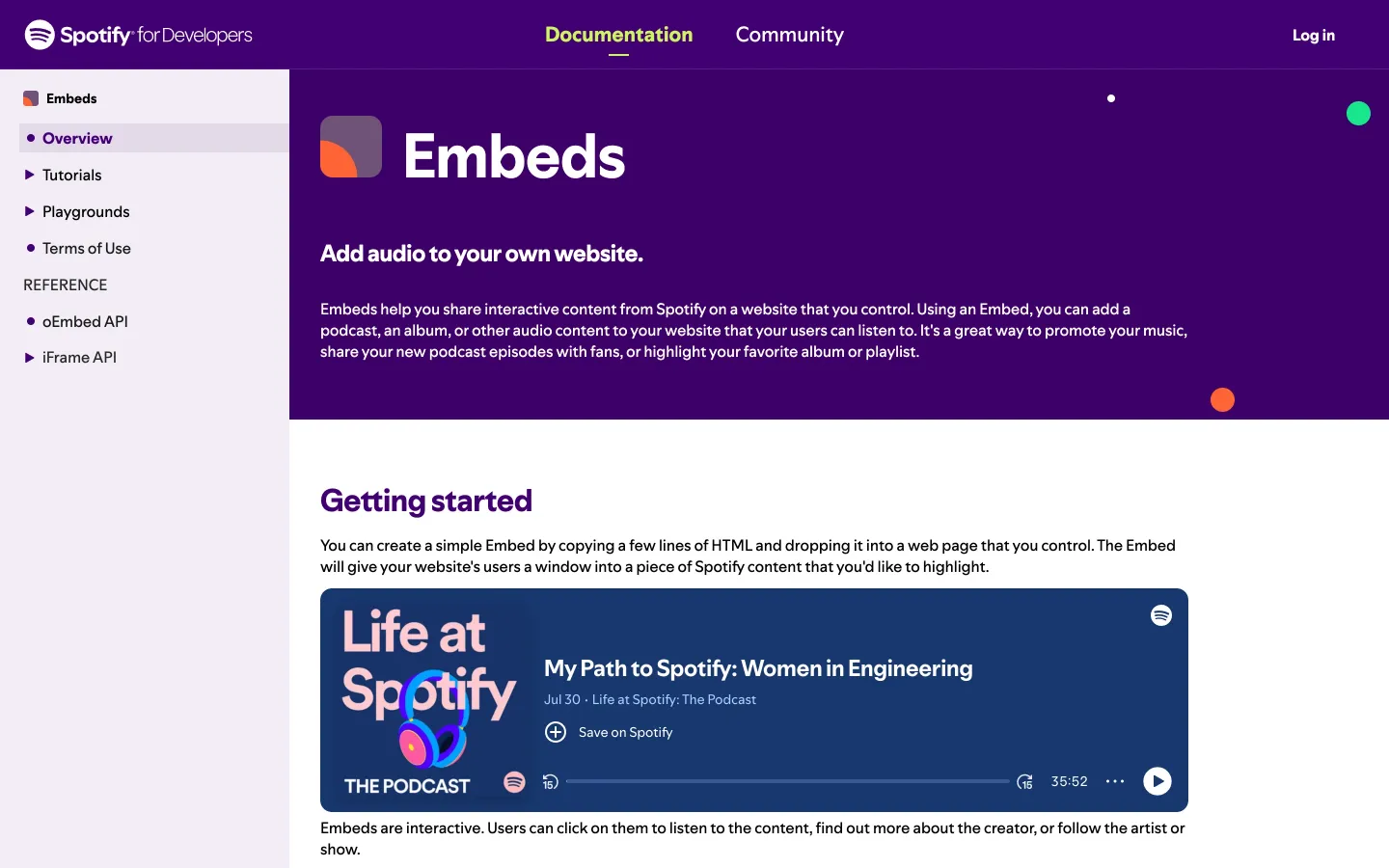
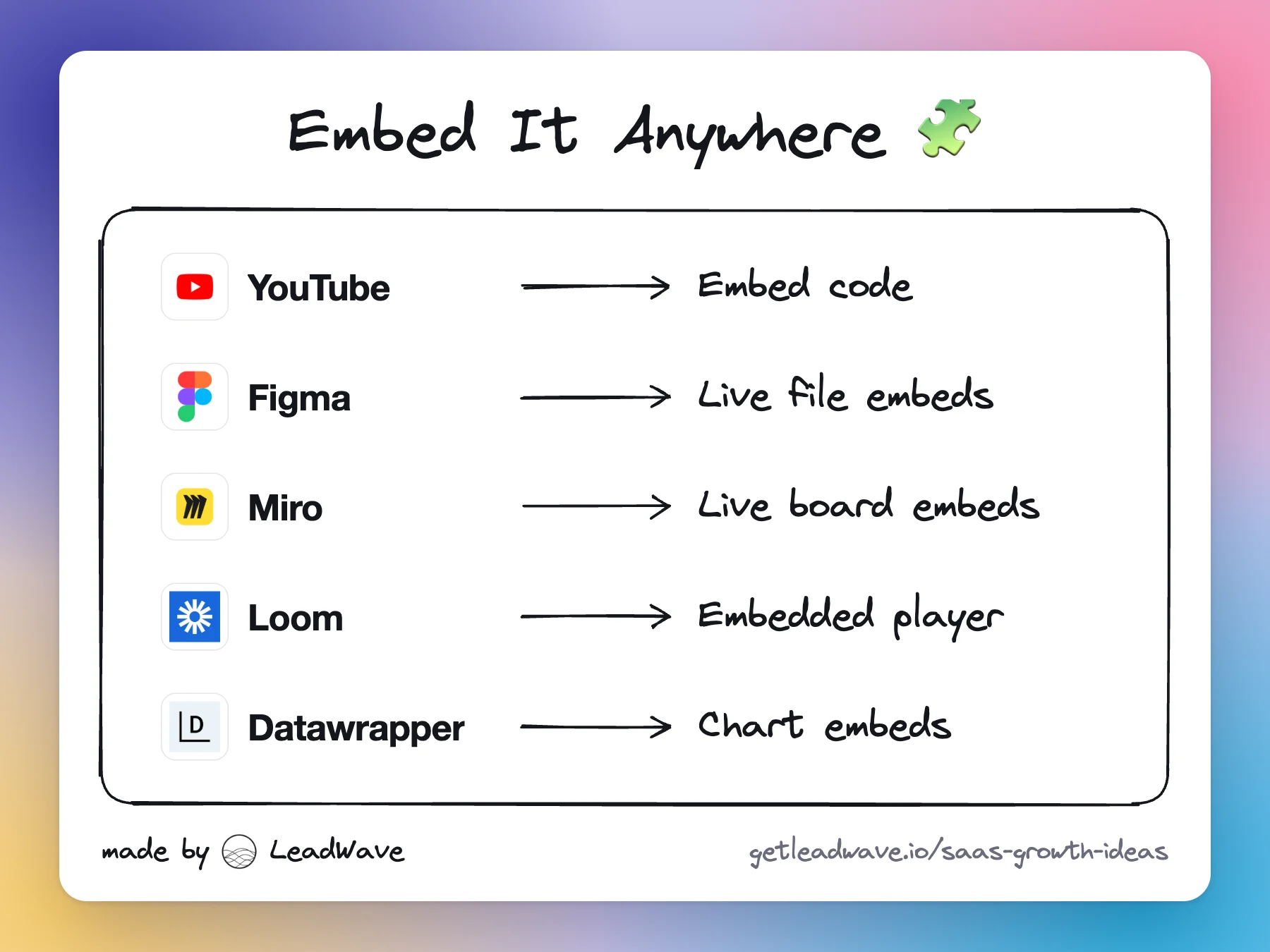
- oEmbed is the standard that turns a share link into an embed automatically. oEmbed is “a format for allowing an embedded representation of a URL on third party sites”: your share pages point to an endpoint that returns the embed HTML, and any app that supports oEmbed renders it when a user pastes the link. Its public registry lists 400 providers, including YouTube, Figma, Loom, Miro, Canva, Spotify, Datawrapper and Flourish.
Why oEmbed matters: most people won't copy embed code, but everyone pastes links. The big writing tools decide what to render based on lists you can get onto:
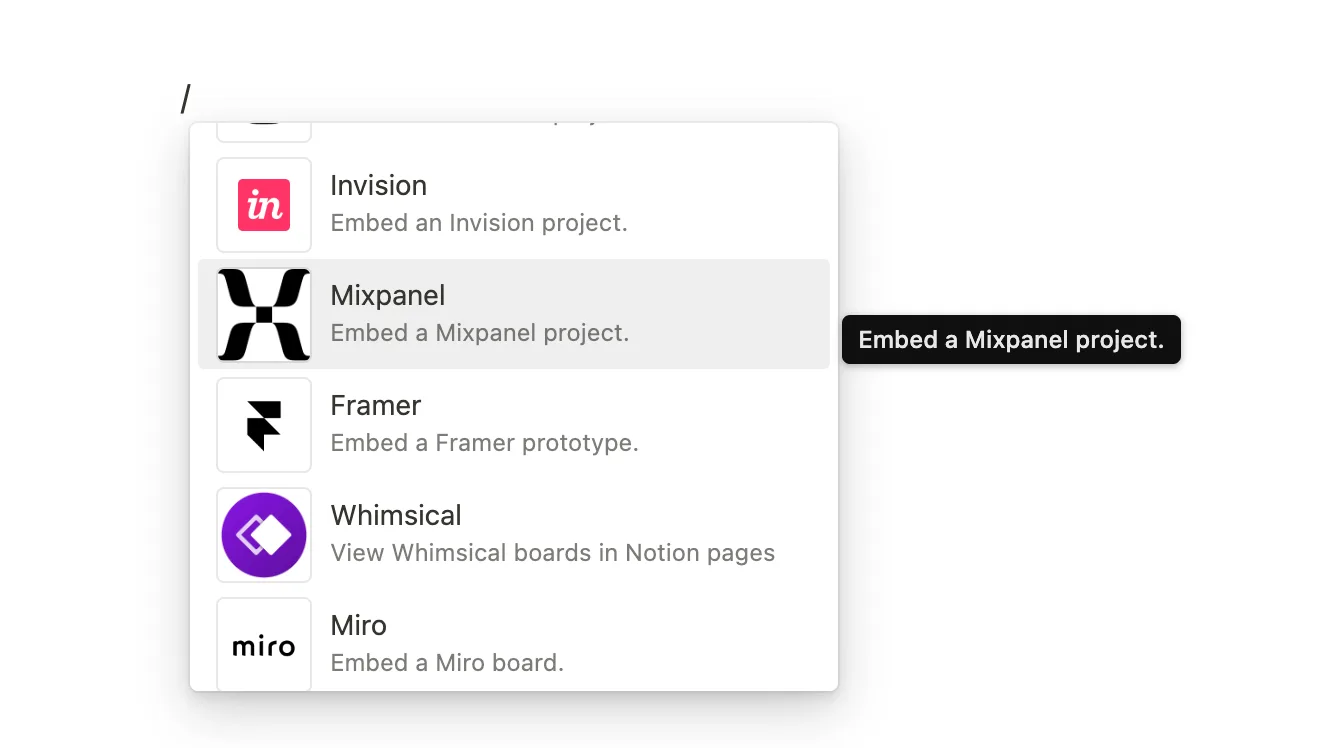
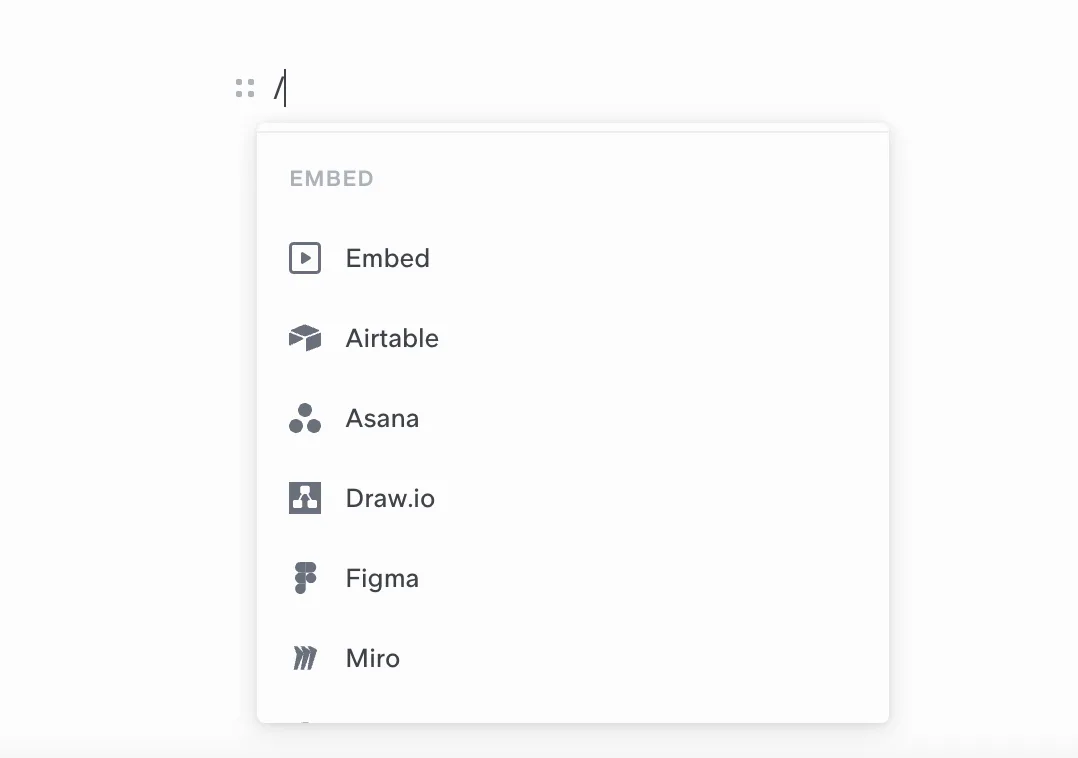
- Notion embeds content from over 1,900 domains through Iframely, including Loom, Miro, Typeform and Canva.
- Medium uses Embedly and only accepts URLs, not embed codes. A link from a provider Embedly doesn't know becomes a plain preview card.
- WordPress auto-embeds from a fixed list of services such as YouTube, Spotify, SlideShare and Reddit. Most SaaS tools aren't on it, so WordPress users need your embed code or a plugin.
- Slack doesn't render iframes at all. It unfurls links from Open Graph and X Card metadata, or through a Slack app. Good Open Graph tags on every share page are the Slack version of an embed.
The practical order: Open Graph tags on every share page, an oEmbed endpoint with discovery tags, then registration with Iframely, Embedly and the oEmbed registry.
What to make embeddable
Make embeddable whatever users already want to show other people. The person who made it does the distribution, because the embed serves their goal, not yours:
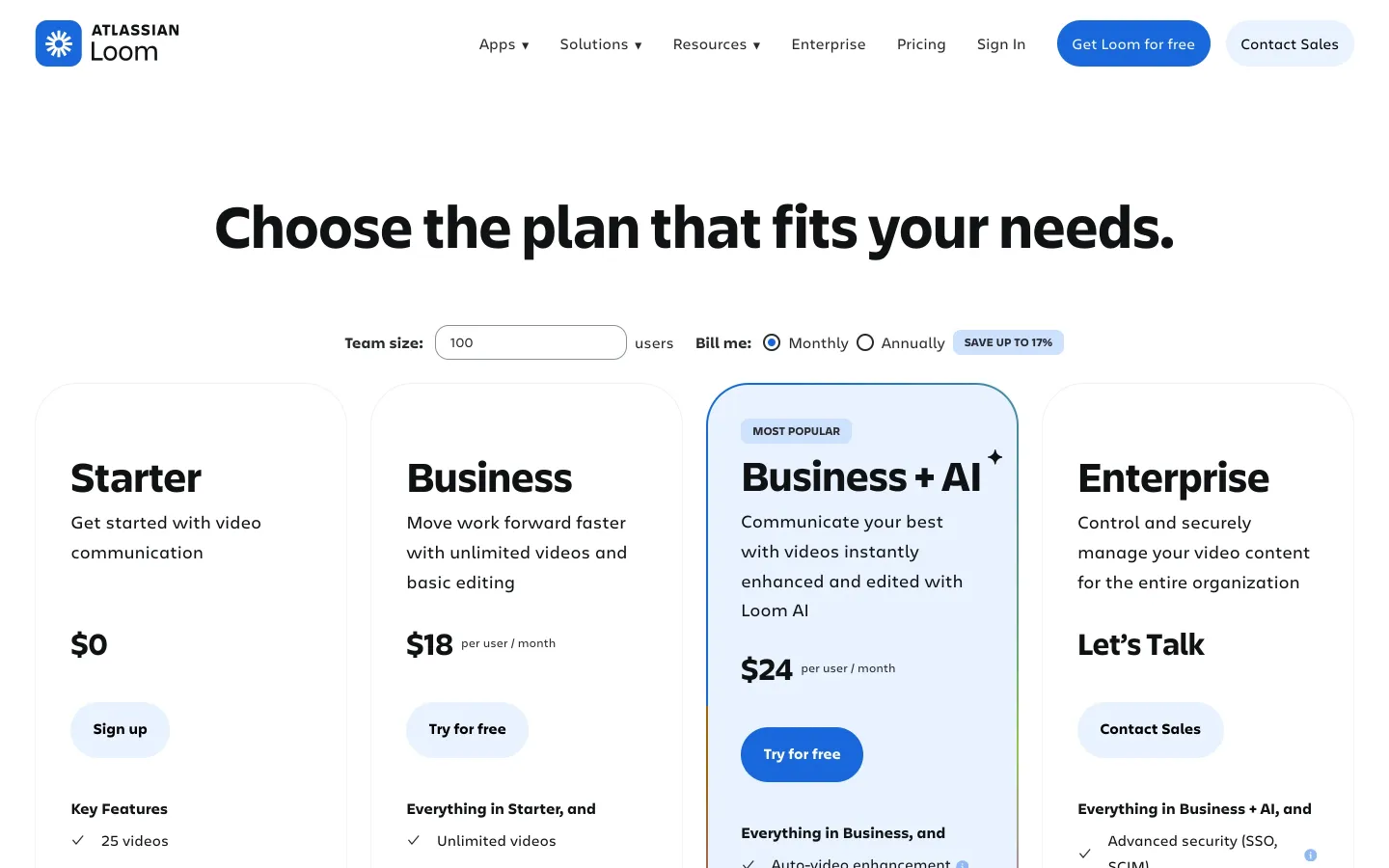
- Videos: YouTube, Loom.
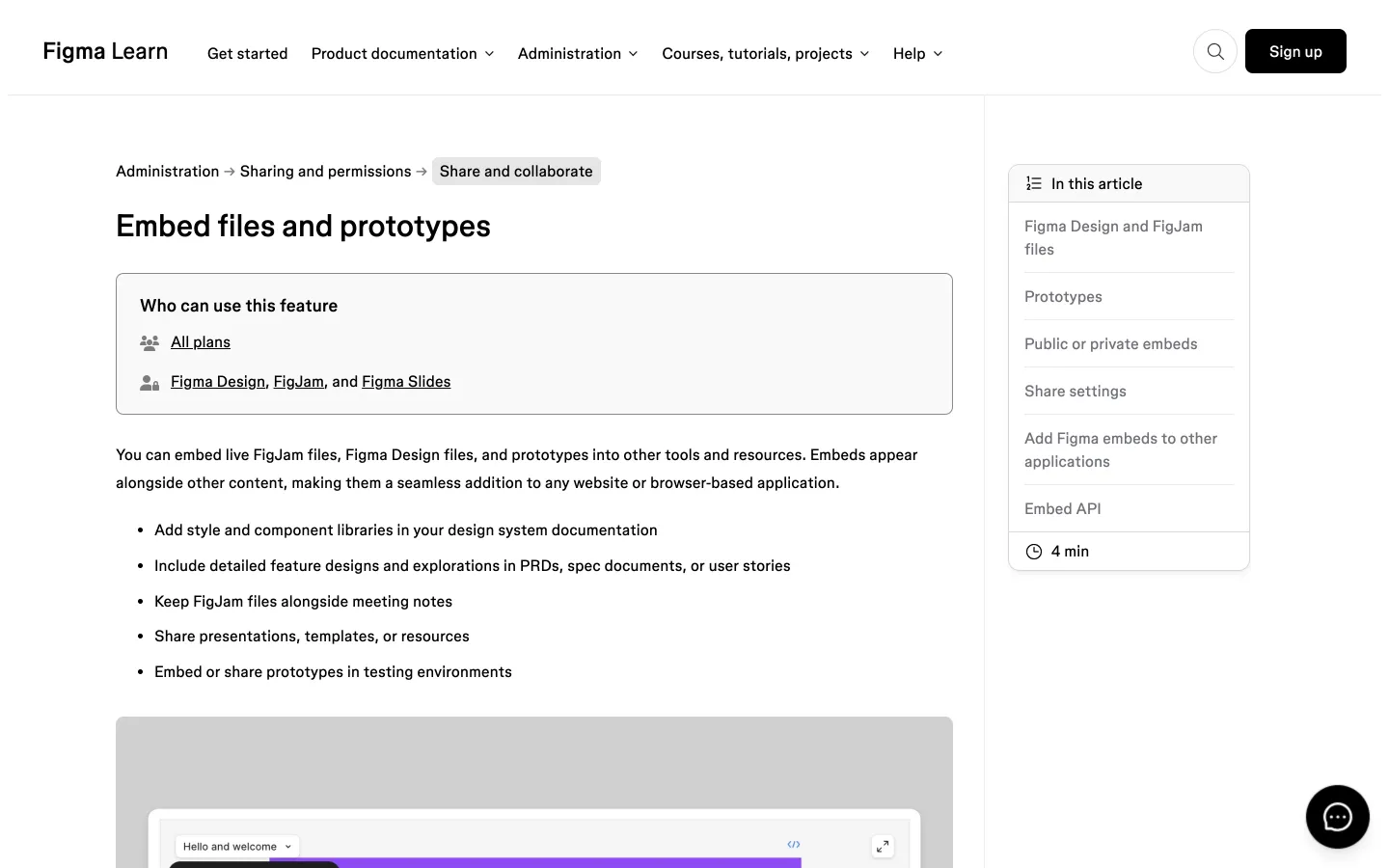
- Designs and prototypes: Figma embeds live files, prototypes and slides on all plans.
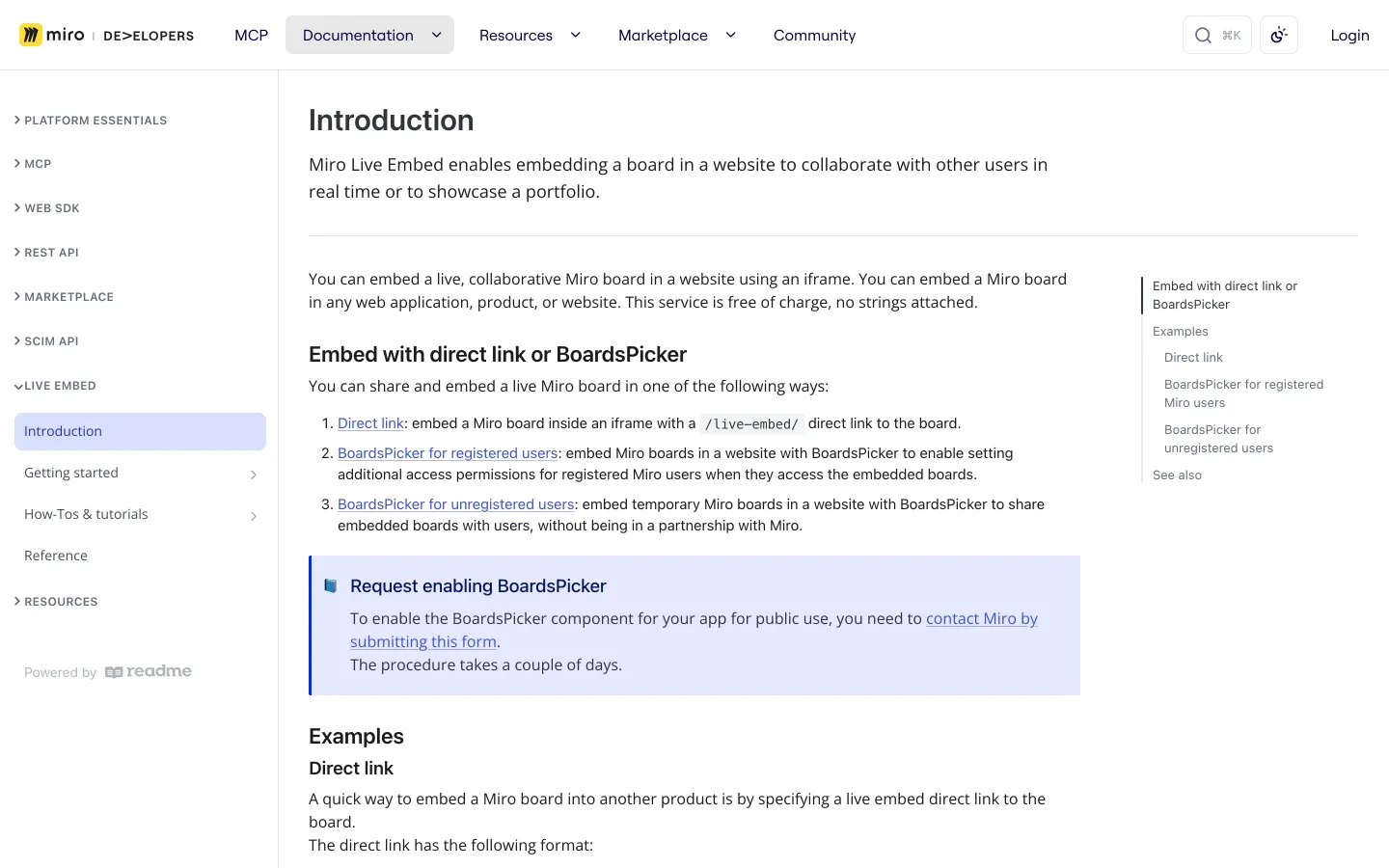
- Whiteboards: Miro's Live Embed puts a collaborative board on any website, free.
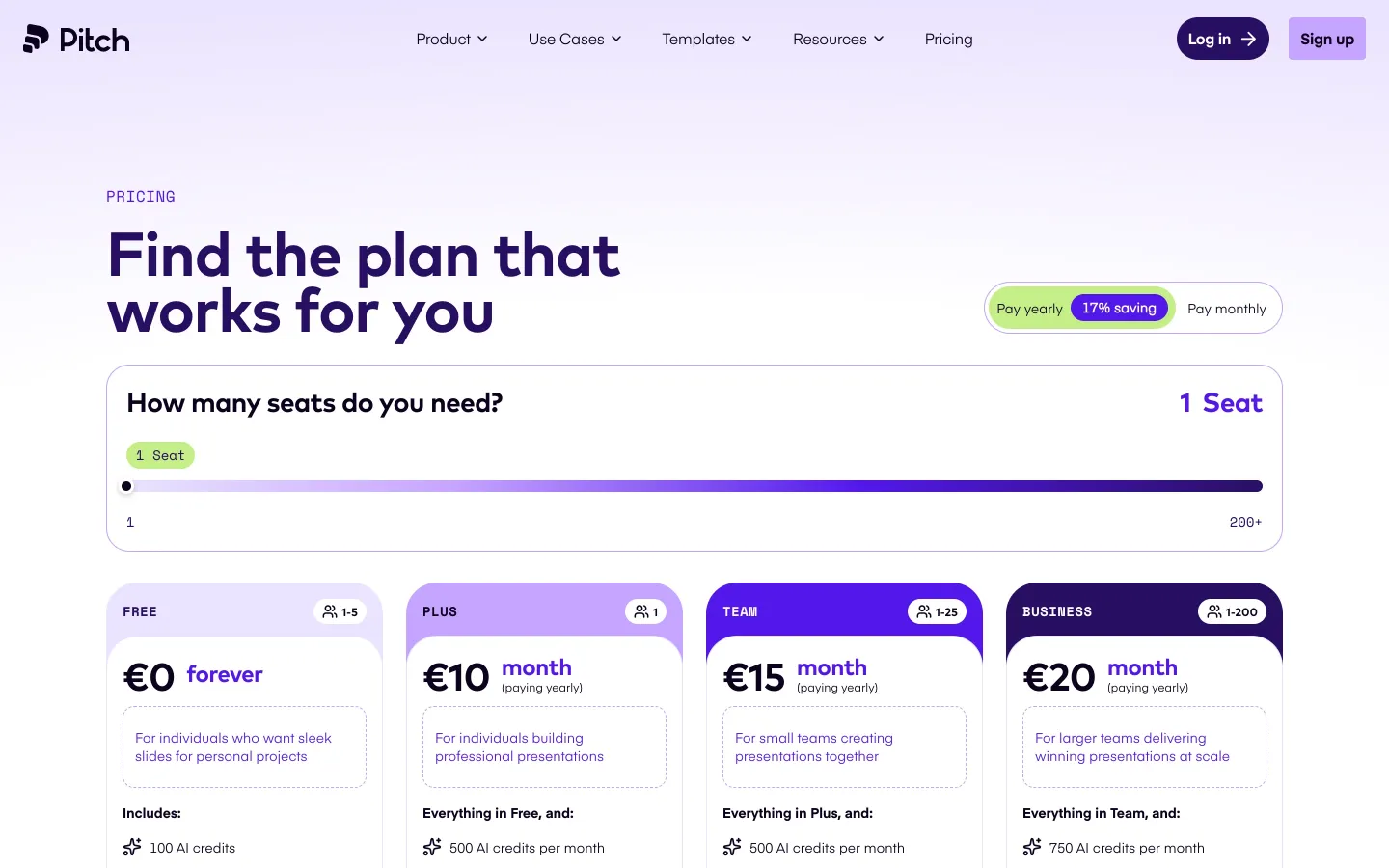
- Decks: Pitch offers presentation embeds on every plan.
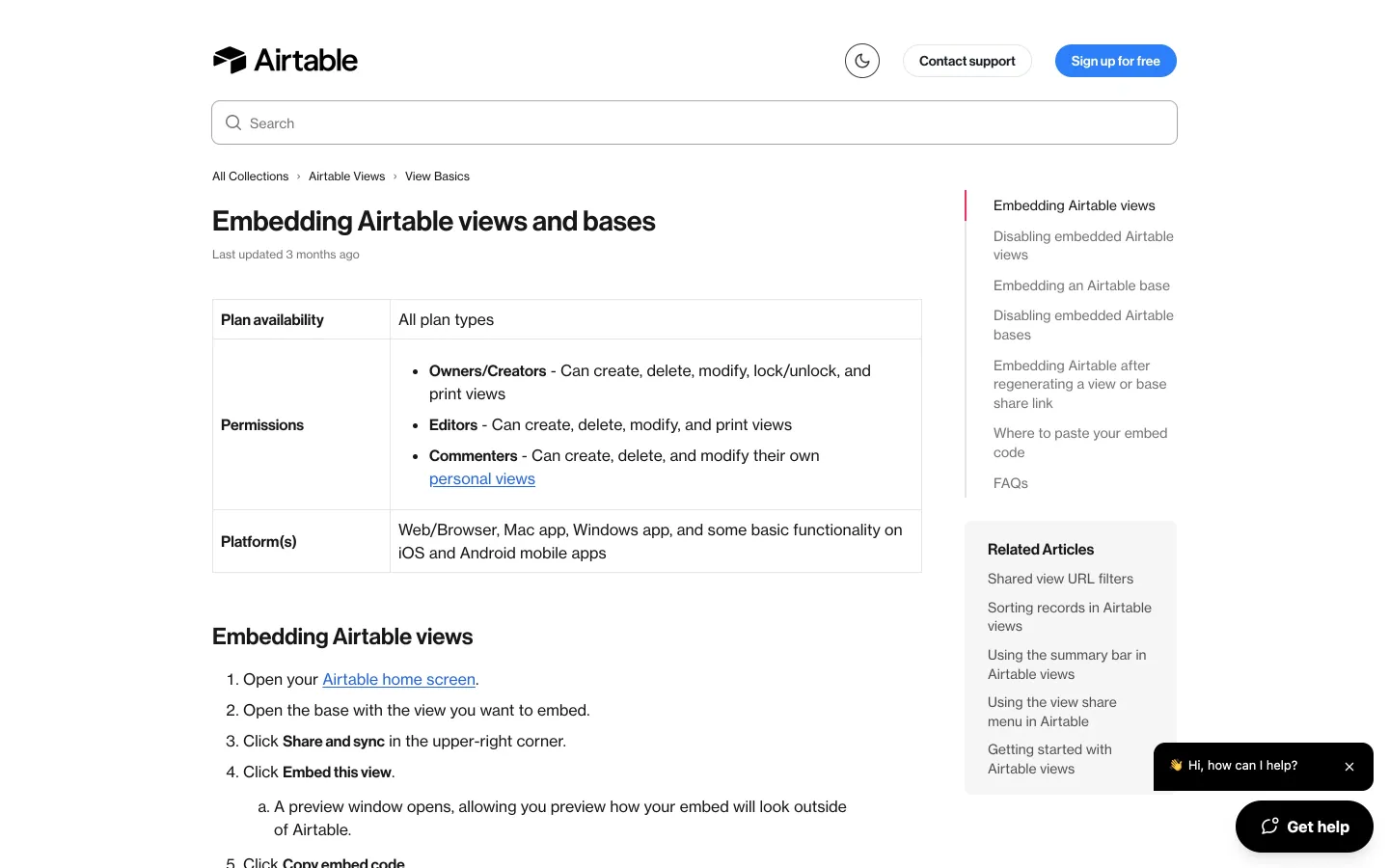
- Tables and databases: Airtable embeds views and whole bases as live, read-only copies.
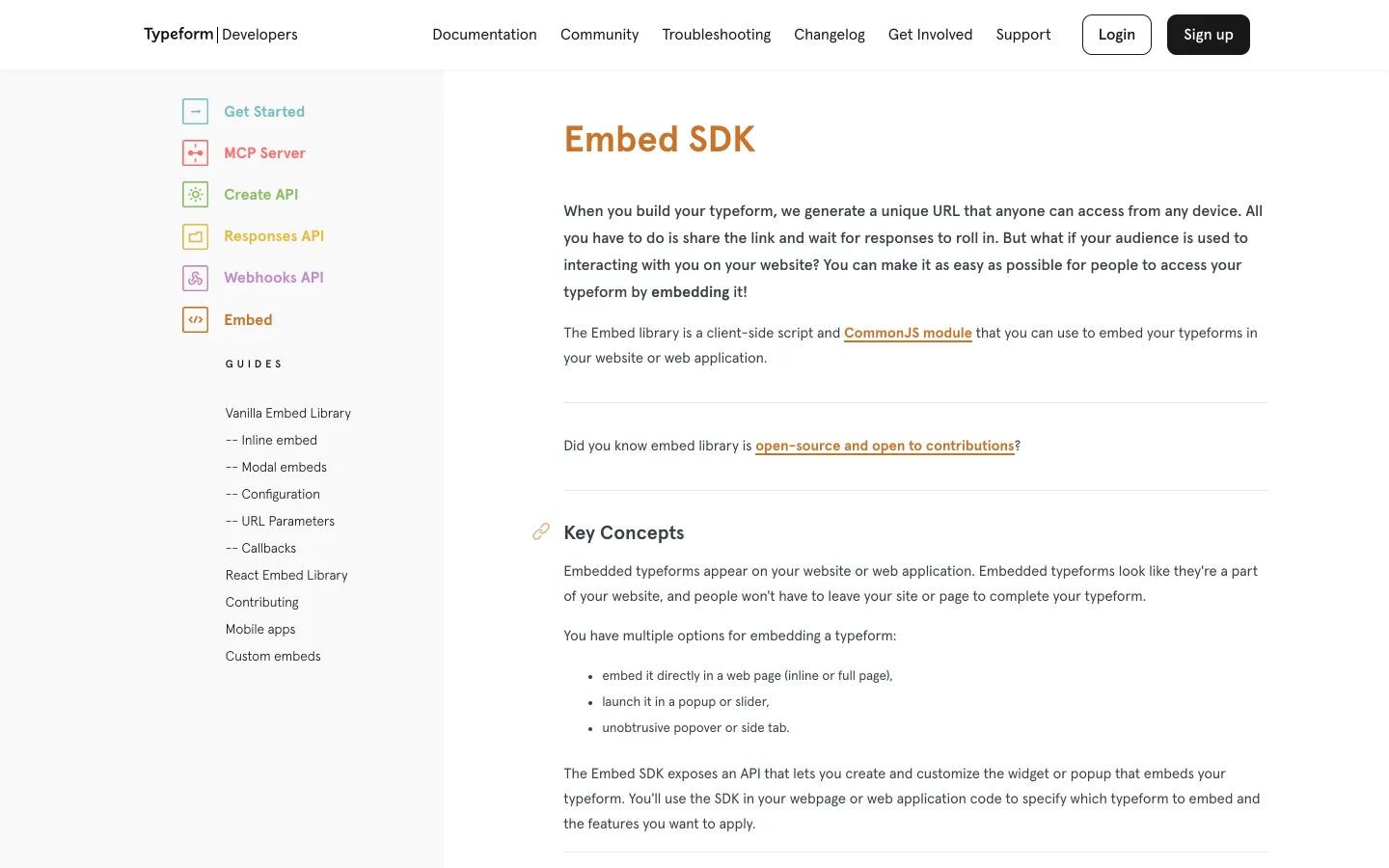
- Forms: Typeform embeds inline, full page, as a popup or slider, or as a popover or side tab.
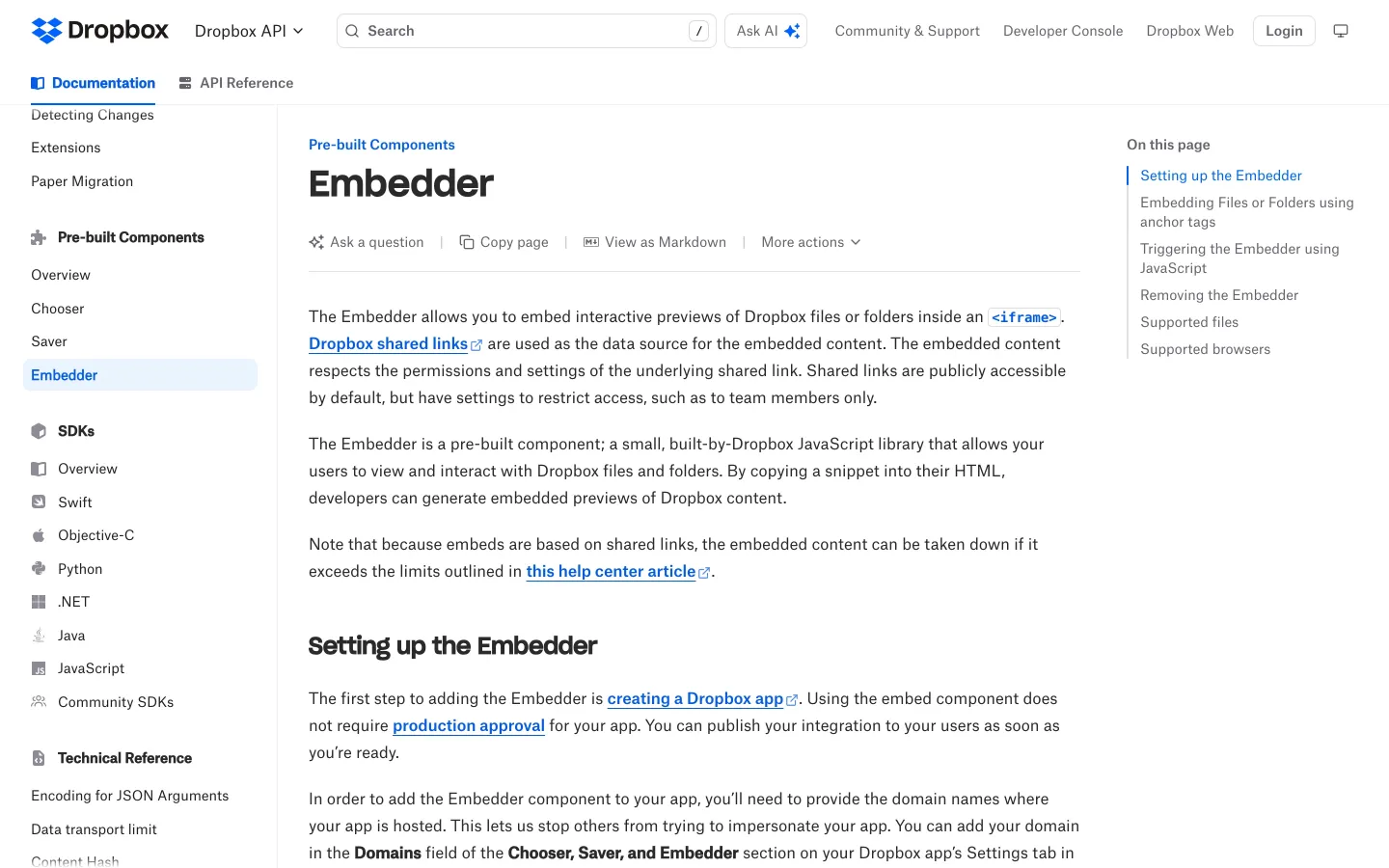
- Files: Dropbox's Embedder shows interactive previews of files and folders.
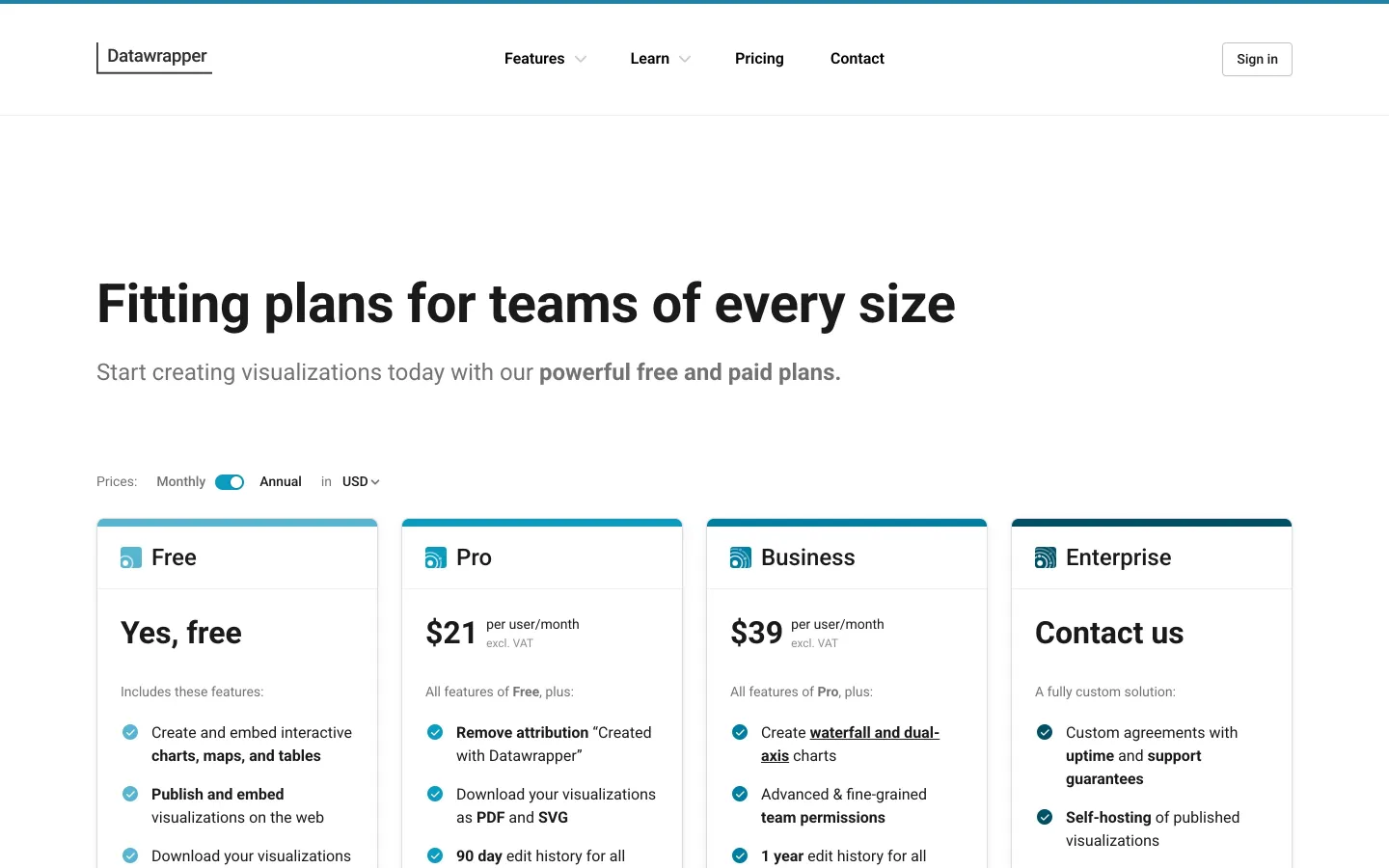
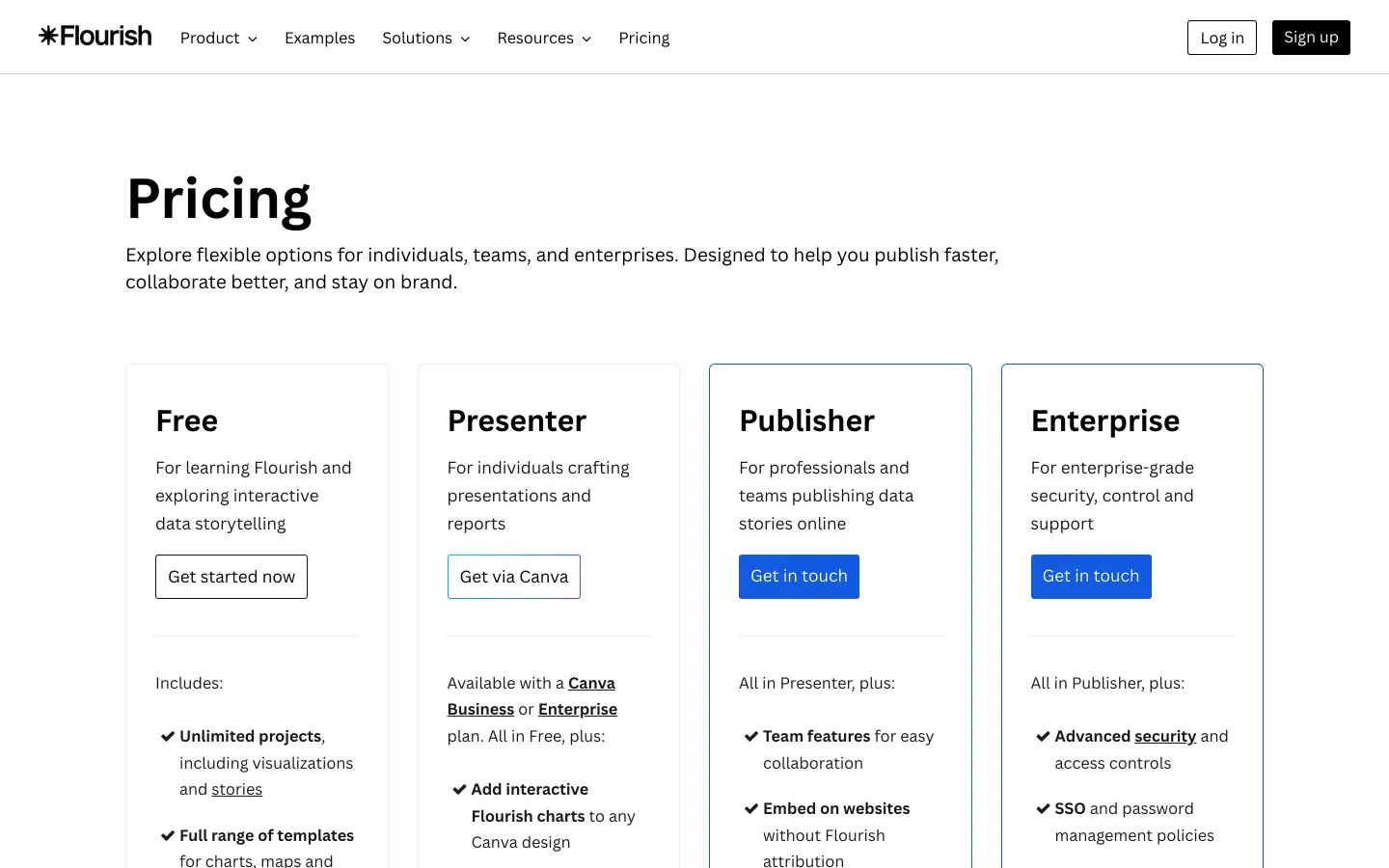
- Charts: Datawrapper and Flourish exist mainly to be embedded.
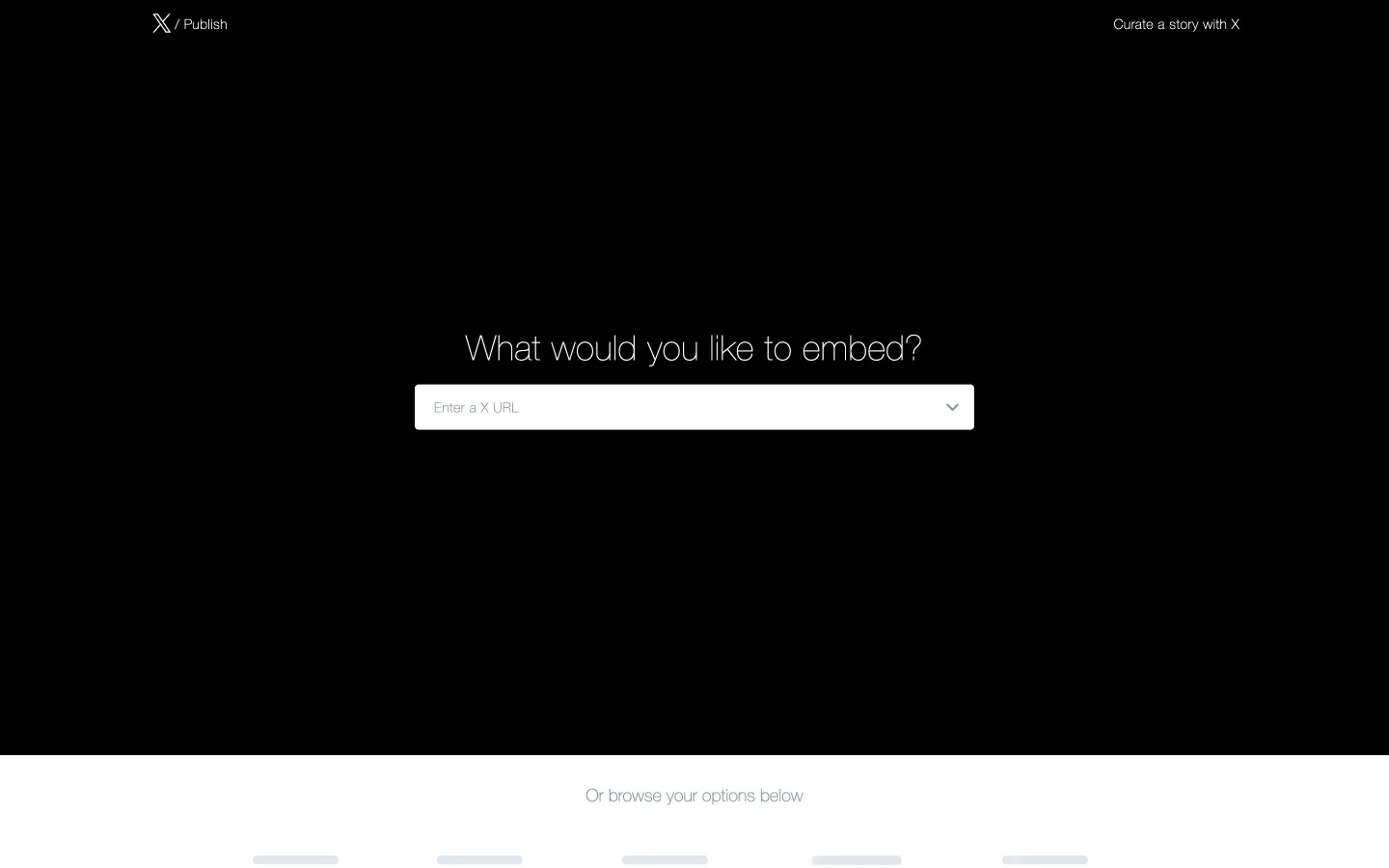
- Posts: X's embedded posts put a tweet, with its author and buttons, inside articles.
The best candidates update live. An embedded board, table or chart that changes when the source changes gives the publisher a reason to embed rather than screenshot, and every update is another view of your product.
Charts and the “made with” credit
Datawrapper and Flourish show the cleanest version of this tactic. Both make charts for newsrooms, researchers and marketers, and both are built to be embedded:
- Datawrapper's free plan lets anyone publish as many charts as they want, no matter how many people see them. Free charts carry Datawrapper attribution; removing it starts with Pro at $21 per user a month. Datawrapper used to limit chart views for free users and dropped that limit in December 2019.
- Flourish's free plan includes public publishing and embedding, with attribution. Removing the credit from website embeds needs the Publisher plan.
The lesson for any embeddable product: don't cap the views of free embeds, because those views are your distribution. Charge for the clean version instead. Loom removes its branding from the embedded player on Business plans and up; Pitch's embeds are branded on Free and unbranded on paid plans.
Make the credit worth clicking. “Made with X” is fine; “Make your own chart, free” is better, especially if the landing page opens the same template. Tag every credit link with the embed's ID and host domain, so you know which embeds and which sites send sign-ups.
SEO side effects: what embeds do and don't do
Embeds are a brand and distribution play first, and an SEO play a distant second:
- Links inside an iframe belong to your page, not the host's. The host page doesn't link to you just because it shows your iframe. A plain HTML link in the embed code, outside the iframe, is what can count as a link from the host page.
- Keep that link honest. Google's spam policies list “keyword-rich, hidden, or low-quality links embedded in widgets that are distributed across various sites” as link spam. Use your brand name or the content's title as the anchor, keep it visible, and don't stuff keywords into embed code.
- The share pages are the bigger asset. Public share pages live on your domain and can rank for what's on them. If they hold useful public content, make them good landing pages with your header and a call to action. If they hold users' private or thin data, noindex them.
- Embeds earn mentions. A chart or board that gets embedded in an article often gets credited by name in the text, and some of those mentions turn into real links.
For search, pair embeds with programmatic SEO or a template library on your own domain.
Limits: privacy, performance and permissions
- Embeds publish data. Airtable warns that embedding a base exposes all the information in it, including new data added later. Make it obvious what an embed shows, default to the narrowest view, and let users revoke an embed in one click.
- Respect existing permissions. Figma embeds follow the file's sharing settings, and password-protected files can't be viewed through an embed. Dropbox's Embedder respects the permissions of the underlying shared link.
- Offer a privacy mode. YouTube's privacy-enhanced mode (the youtube-nocookie.com domain) keeps embedded views from shaping a viewer's YouTube recommendations and limits ad personalization.
- Keep embeds light. Many popular embeds ship over 100 KB of JavaScript and some up to 2 MB, and lazy-loading a YouTube iframe alone can save about 500 KB on the first load, according to web.dev. Support
loading="lazy", set width and height to avoid layout shift, and consider a click-to-load facade. A heavy embed gets removed by the site's developers. - Some hosts block iframes. Airtable notes that embeds only work on pages that allow third-party iframes, and that WordPress.com sites don't support its embeds while self-hosted WordPress does. Medium doesn't accept embed codes at all, and doesn't allow embeds that collect personal information, such as sign-up forms.