Integrations page
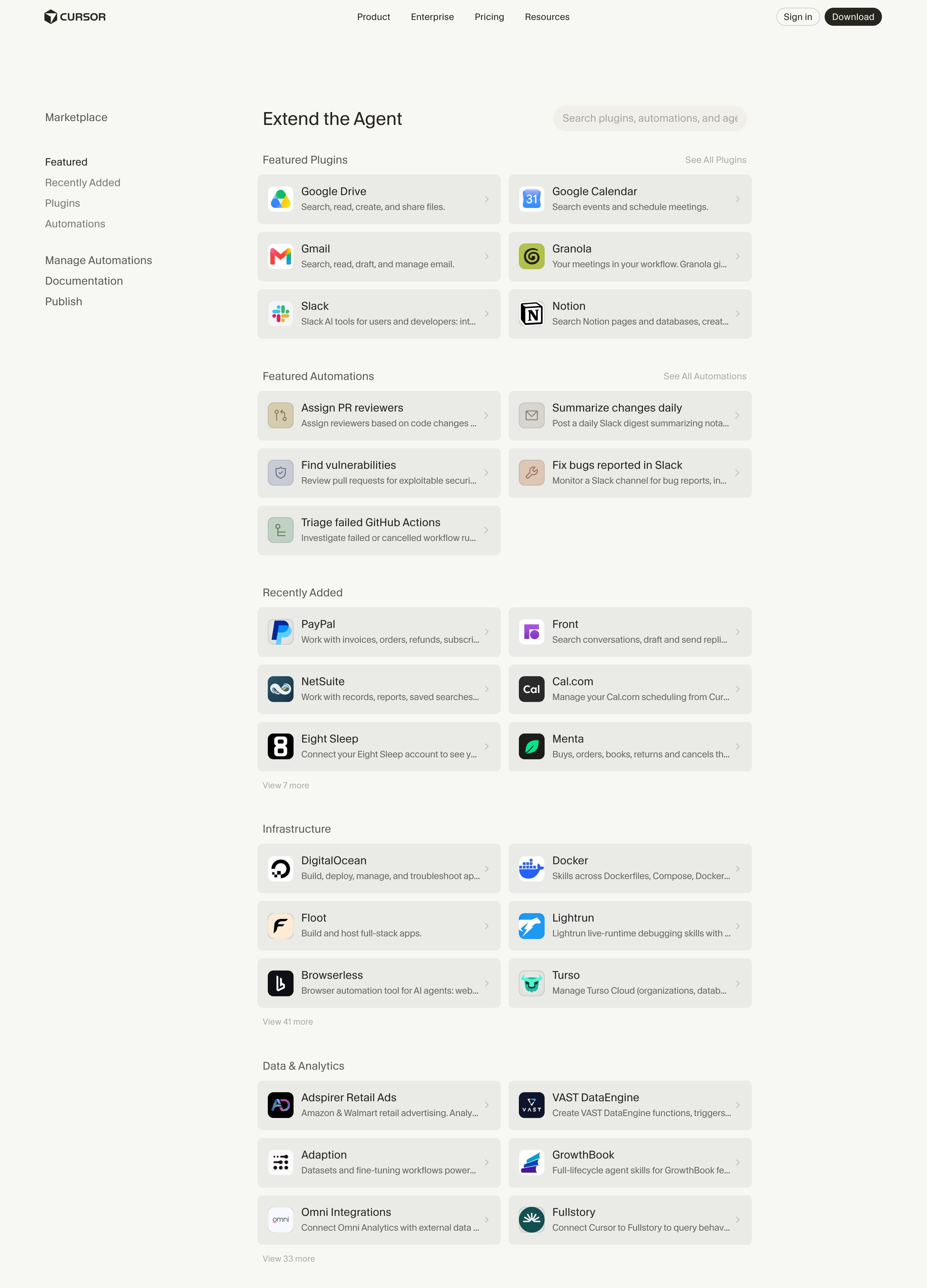
Cursor integrations page
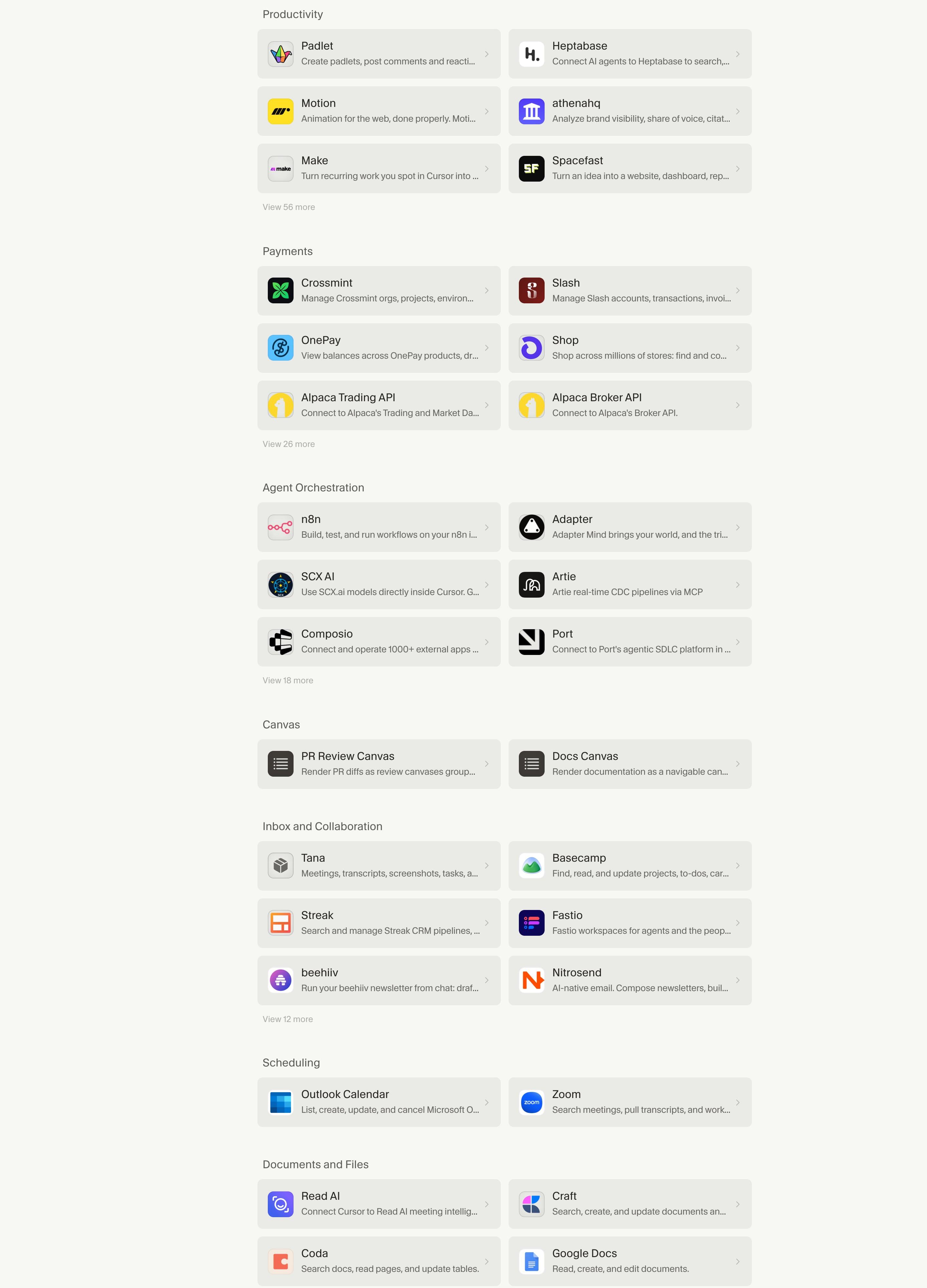
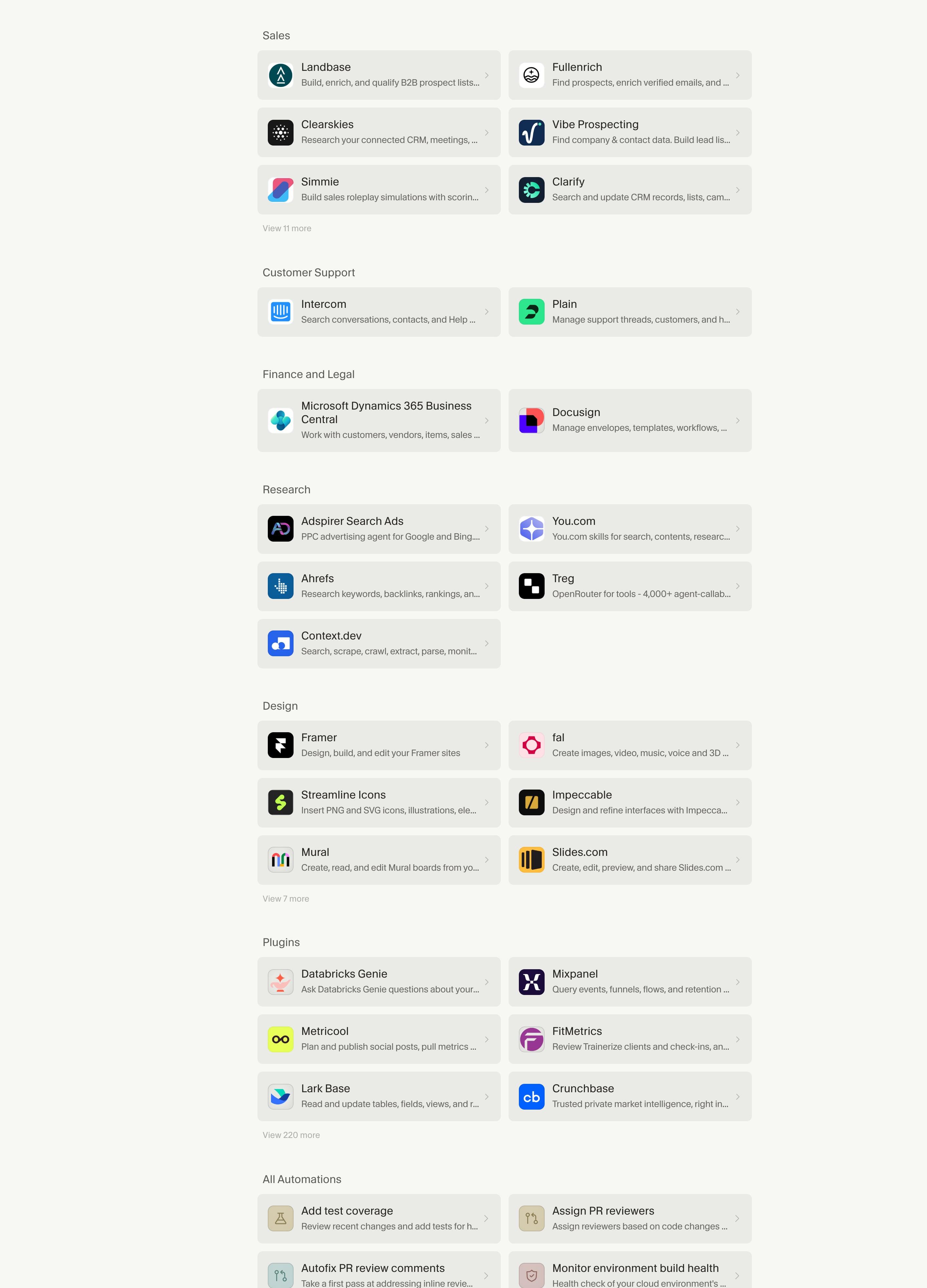
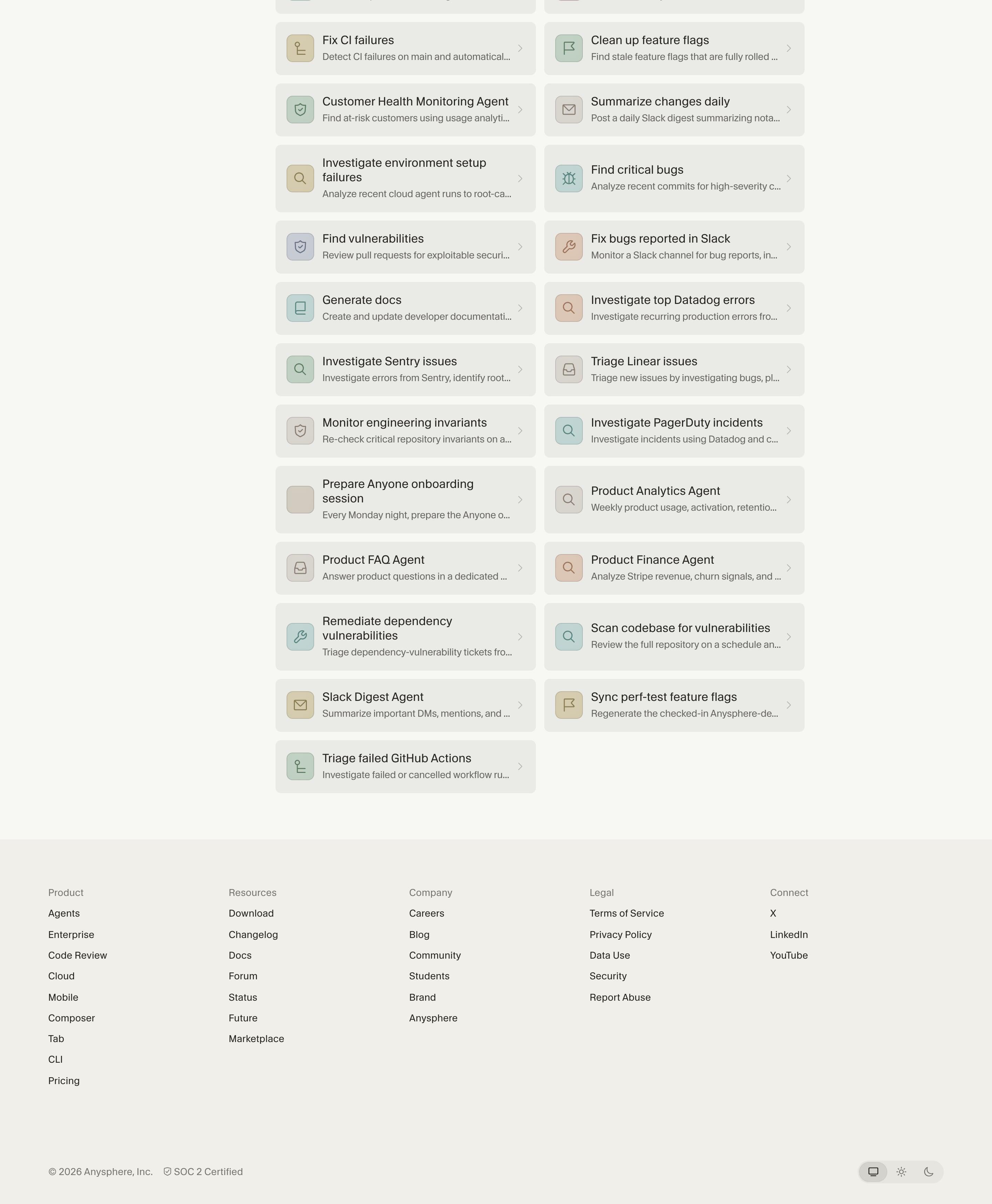
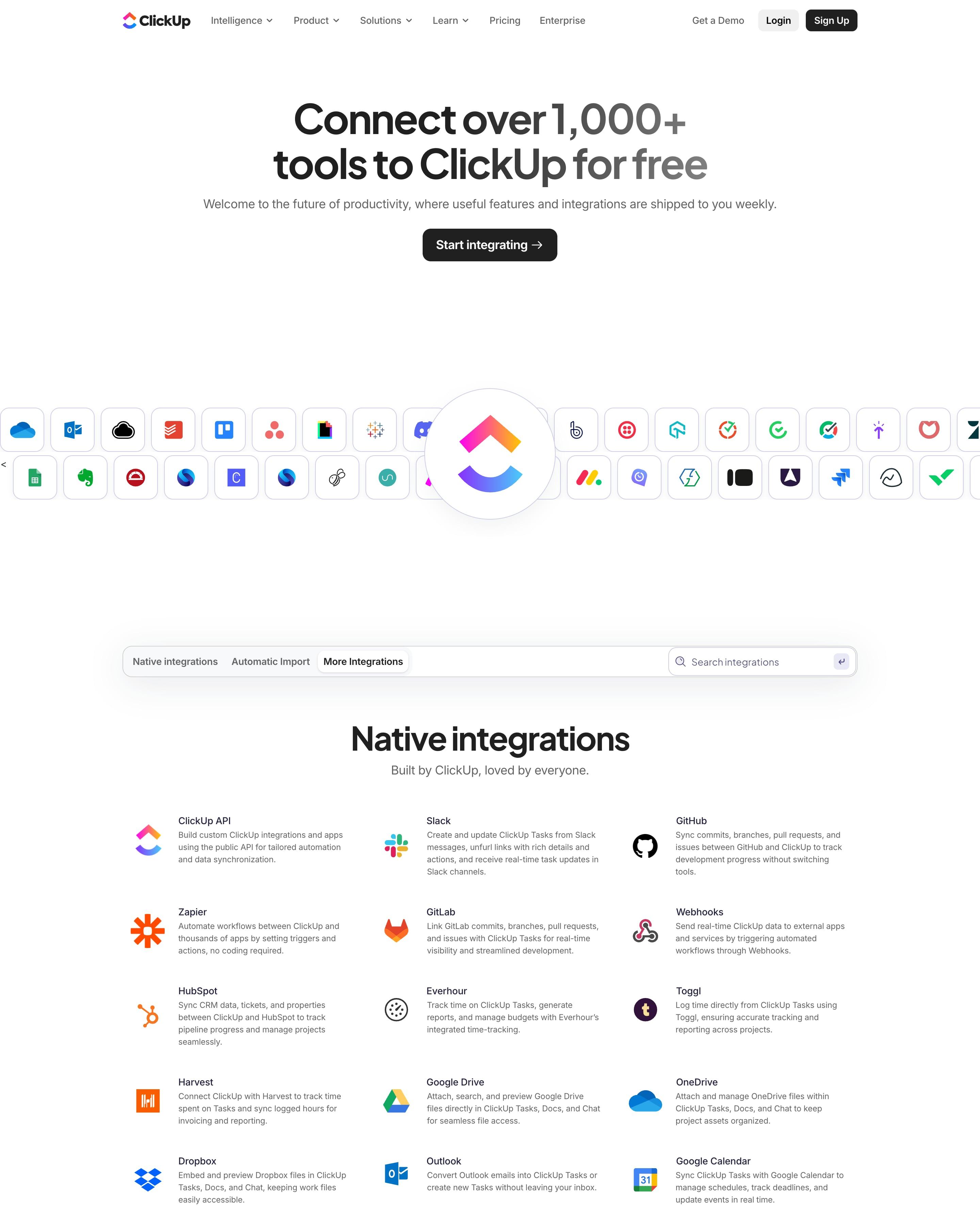
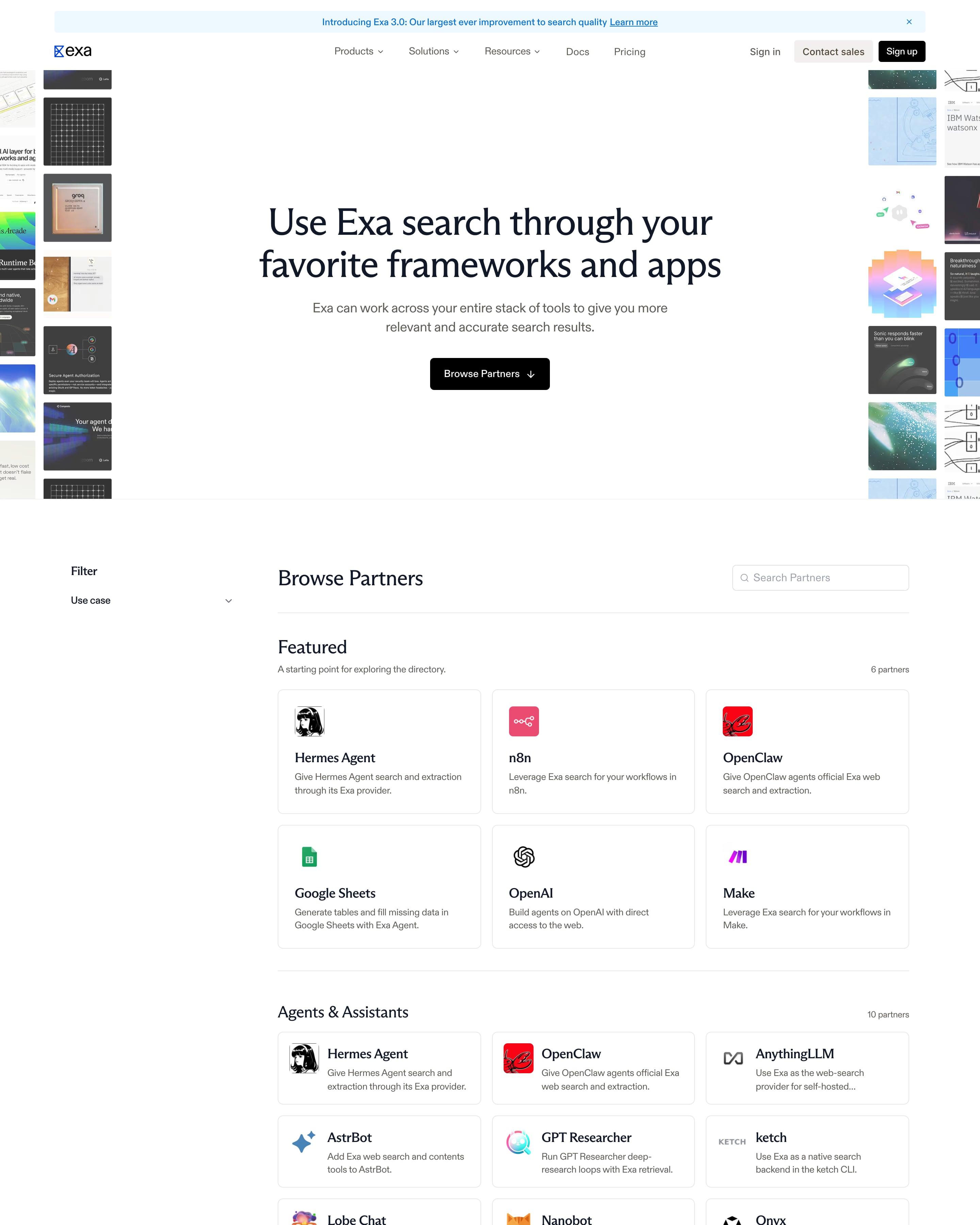
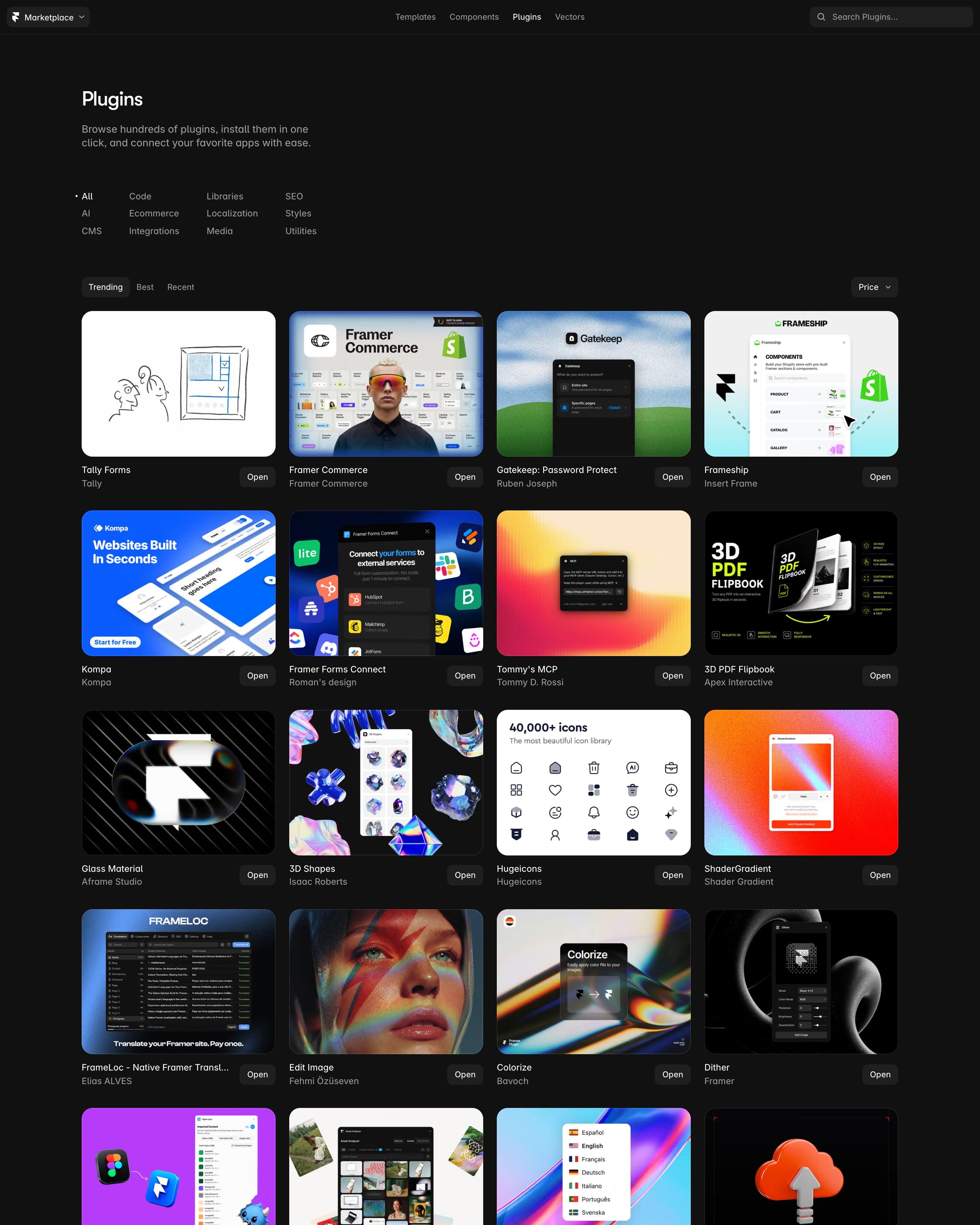
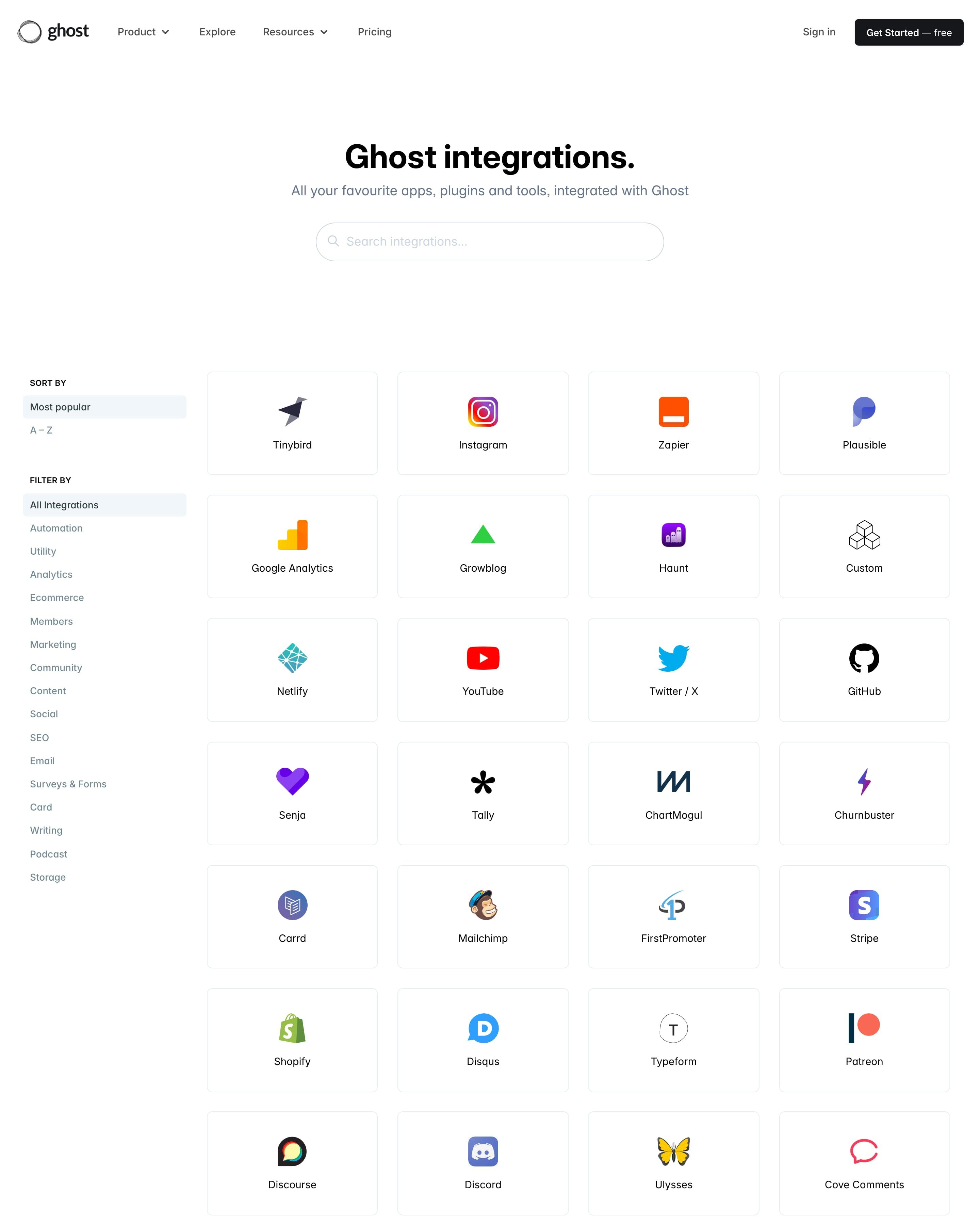
The page works like a small app store: a section sidebar, a search field, and two-column rows of icon, name, one-line description and chevron. Plugins are grouped by category, each with a "Show more" link. Giving automations tinted line icons, while plugins keep brand logos, is a tidy distinction to copy.